How To Use Nano Banana 2 Better Than 99% of People
Understanding the real-world performance gains of newly released image models helps creators select the right tool for high-fidelity asset design.
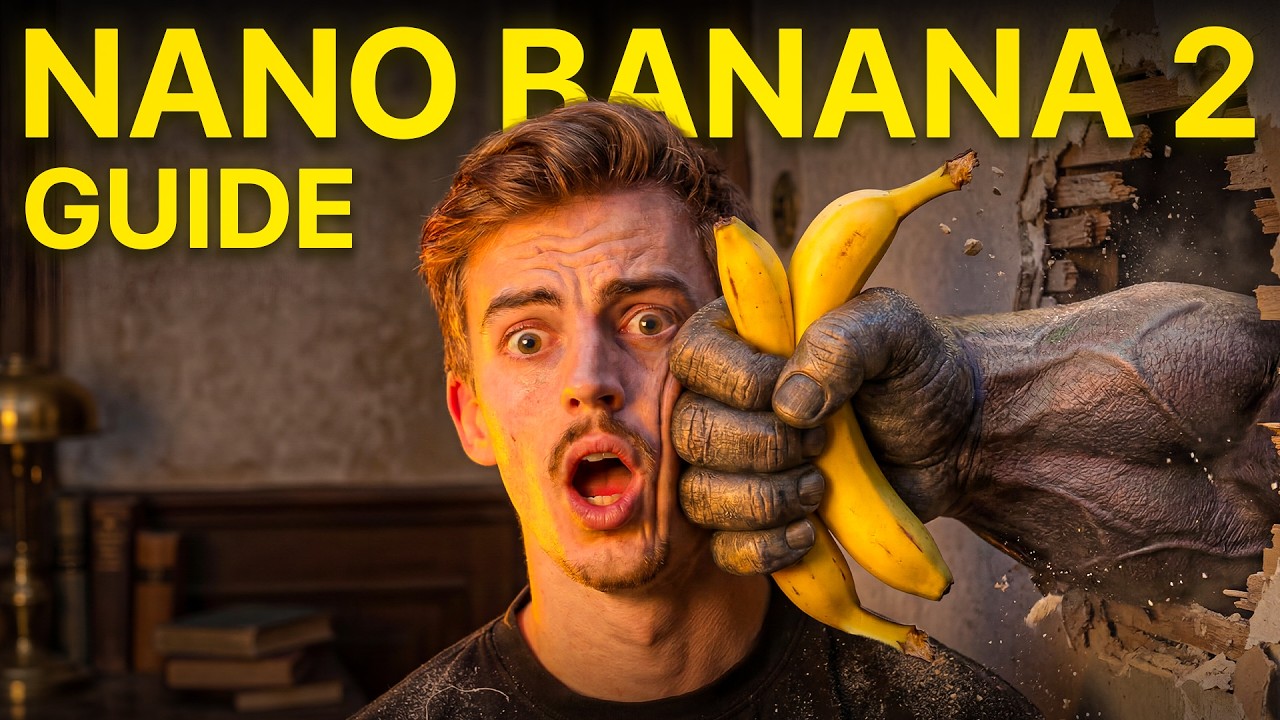
What this lesson covers
Dan Kieft deep dives into the capabilities of Nano Banana 2, comparing its performance against previous versions like Nano Banana Pro across historical photo accuracy, portrait generation, and text rendering. He demonstrates how the model handles complex multi-element prompts and world knowledge tests within OpenArt.
Key takeaways from the creator
AI-extracted notes, not independently verified product claims. Timestamp links let you check each point in the original video.
- 00:00 ↗
Nano Banana 2, officially known as Gemini 3.1 Flash, aims to combine pro-level image quality with faster processing speeds.
- 01:10 ↗
Historical coordinate testing shows Nano Banana 2 can generate plausible chronological variations of famous locations like the Colosseum.
- 04:35 ↗
Close-up portrait testing reveals Nano Banana 2 produces sharper skin and feature details compared to Nano Banana Pro, though it may lean towards higher contrast.
- 05:54 ↗
Nano Banana 2 effectively handles complex multi-object prompts requiring precise text rendering, such as boarding passes and custom labels.
Workflow outlined in the video
- Access Nano Banana 2 through a platform like OpenArt to compare its output with older model iterations.
- Use specific coordinate or historical data prompts to test world knowledge generation for specific scenes.
- Test portrait prompts to evaluate skin texture and lighting differences between Nano Banana 2 and Pro versions.
- Experiment with dense, multi-object prompts to test the model's text rendering capabilities for marketing mockups.
Before you use this workflow
These notes describe the source video at its publication date. Model access, pricing, connectors and interfaces may have changed. Check the original source and the provider’s current documentation before installing an add-on, connecting an account or spending credits.
ReelStack has not independently tested this workflow. Preview one representative shot and check motion, continuity and output quality before applying it to a full production. No result, cost saving or model capability is guaranteed.
How to interpret the numbers
91,407 views captured 23 October 2026. ReelStack recommendation score: 27/100. Formula: radar-v5. This is ReelStack’s calculation, not a YouTube rating or a measure of factual accuracy.
Show the calculation
- 65% performance: 0.73× views vs 6 other channel videos observed at a similar age. View-evidence factor 99% (views / (views + 1,000))
- 25% freshness: 0/100 with a 14-day half-life
- Momentum pending: collecting daily snapshots; its 20% weight goes to observed performance, not free points
- 10% engagement: 2/100; likes + 4× comments, smoothed with a 500-view neutral prior