How to Make YouTube Shorts with AI
Demonstrates an end-to-end multimodal production pipeline combining LLM scripting, reference-based character sheets, and Seedance 2.5's audio-referenced video generation for episodic social content.
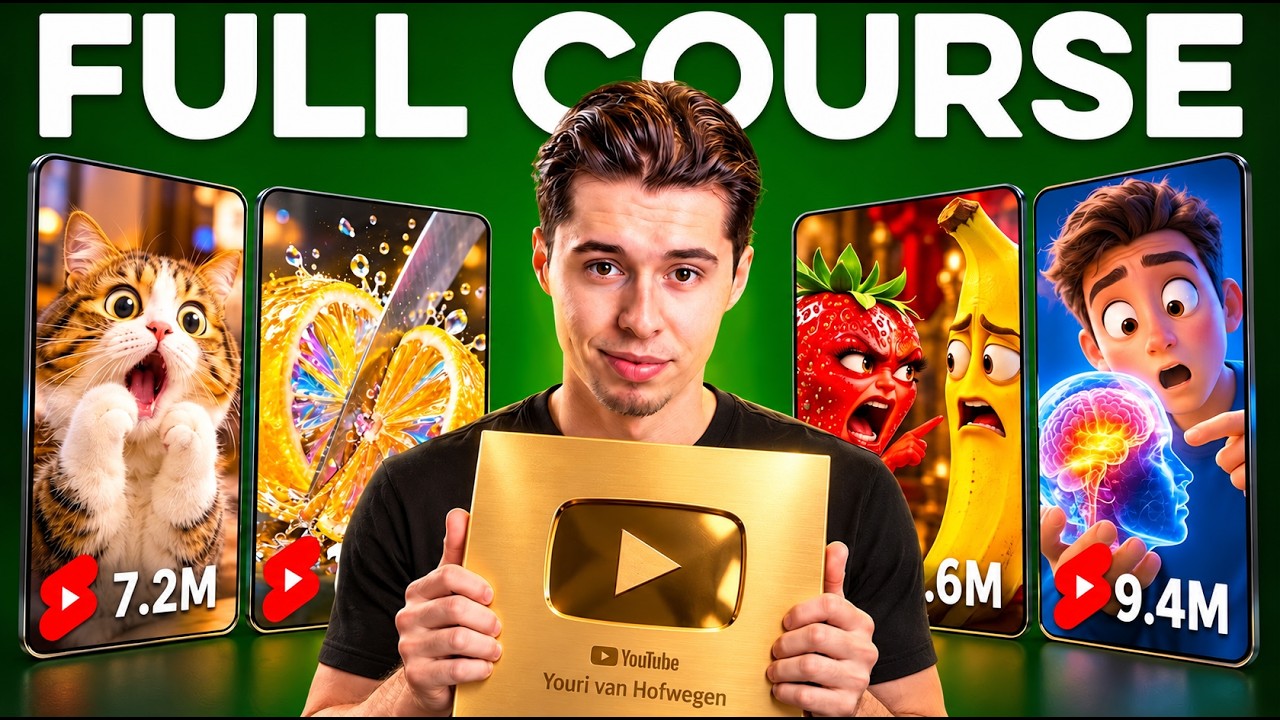
What this lesson covers
Youri van Hofwegen walks through creating episodic YouTube Shorts featuring consistent talking animal characters using AI tools. He demonstrates scripting with Claude, creating multi-angle reference sheets in Higgsfield, generating voice lines, and animating the scene with Seedance 2.5.
Key takeaways from the creator
AI-extracted notes, not independently verified product claims. Timestamp links let you check each point in the original video.
- 01:06 ↗
YouTube shorts algorithms prioritize original narrative content and characters over automated clip aggregators and re-uploaded memes.
- 03:20 ↗
Creating a 3-panel character turnaround sheet with separate body and close-up references allows AI video generators to preserve character identity across shots.
- 05:08 ↗
Bracketed emotive cues (such as [bored] or [excited]) in text-to-speech prompts guide nuanced vocal performances across dialogue exchanges.
- 06:13 ↗
Seedance 2.5 can ingest multi-character image elements and dialogue audio clips simultaneously to generate a synchronized 30-second scene without moving cameras.
Workflow outlined in the video
- Use Claude to brainstorm a scalable concept featuring contrasting characters and script a 30-second dialogue scene.
- Generate a multi-angle character turnaround sheet in Higgsfield Image (using GPT image 2.5) and save it as a reusable element.
- Create an environmental studio backdrop in a 9:16 vertical ratio and register it as a location asset.
- Synthesize dialogue tracks for each character using ElevenLabs V3 with bracketed tone directions.
- Load character sheets, the background image, and audio references into Seedance 2.5 in reference mode to generate the animated shot.
Before you use this workflow
These notes describe the source video at its publication date. Model access, pricing, connectors and interfaces may have changed. Check the original source and the provider’s current documentation before installing an add-on, connecting an account or spending credits.
ReelStack has not independently tested this workflow. Preview one representative shot and check motion, continuity and output quality before applying it to a full production. No result, cost saving or model capability is guaranteed.
Explore the tools
How to interpret the numbers
16,112 views captured 30 October 2026. ReelStack recommendation score: 56/100. Formula: radar-v5. This is ReelStack’s calculation, not a YouTube rating or a measure of factual accuracy.
Show the calculation
- 65% performance: 1.08× views vs 28 other channel videos observed at a similar age. View-evidence factor 94% (views / (views + 1,000))
- 25% freshness: 96/100 with a 14-day half-life
- Momentum pending: collecting daily snapshots; its 20% weight goes to observed performance, not free points
- 10% engagement: 2/100; likes + 4× comments, smoothed with a 500-view neutral prior