How to Make Videos Like Chloe vs History With AI (Seedance 2.0 Workflow)
Combining specialized LLM system instructions with continuous-shot AI video models provides a repeatable strategy for building viral, avatar-led historical content.
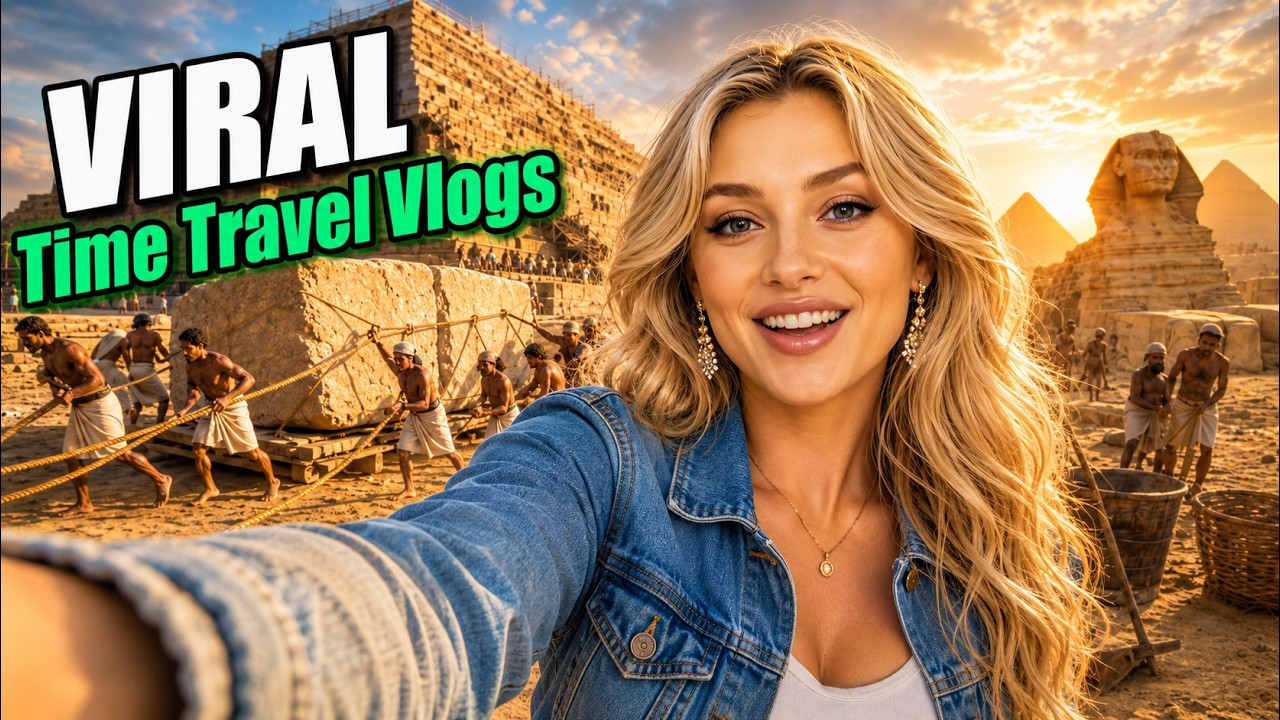
What this lesson covers
CyberJungle breaks down an end-to-end workflow for creating AI time-travel vlogs featuring consistent avatars using a custom Claude skill and Seedance 2.0. The tutorial demonstrates how to generate historically accurate scripts, structured continuous-shot selfie prompts with micro-gestures, and high-quality 4K renders.
Key takeaways from the creator
AI-extracted notes, not independently verified product claims. Timestamp links let you check each point in the original video.
- 04:07 ↗
Feed Claude a character reference photo along with era, year, and location parameters to generate historically accurate scripts and regional languages.
- 06:01 ↗
Create character reference sheets and 3x3 location preview grids before video generation to maintain visual consistency and save credits.
- 06:44 ↗
Prompt for continuous selfie-style single shots holding the camera with one hand to avoid unwanted jump cuts.
- 07:39 ↗
Restrict 15-second AI video renders to 3–4 camera shot movements and 2–3 spoken dialogue lines to avoid rushed pacing and clipped audio.
- 08:26 ↗
Incorporate natural micro-gestures such as taking a breath or squinting, alongside background NPC interactions, to heighten overall realism.
Workflow outlined in the video
- Build or import a specialized Claude skill configured with rules for historical accuracy, selfie vlog framing, and authentic NPC responses.
- Generate character reference sheets and a 3x3 location preview grid to evaluate visual aesthetics prior to video rendering.
- Draft timestamp-based prompts in Claude for 15-second continuous selfie shots, limiting spoken dialogue to 2–3 concise lines.
- Add micro-gestures (e.g., pausing to take a breath, turning around) and mid-sentence environmental events into the prompt to ensure realistic pacing.
- Render and refine the final video clips using Seedance 2.0 within the Artlist AI Toolkit.
Before you use this workflow
These notes describe the source video at its publication date. Model access, pricing, connectors and interfaces may have changed. Check the original source and the provider’s current documentation before installing an add-on, connecting an account or spending credits.
ReelStack has not independently tested this workflow. Preview one representative shot and check motion, continuity and output quality before applying it to a full production. No result, cost saving or model capability is guaranteed.
Explore the tools
How to interpret the numbers
11,944 views captured 22 October 2026. ReelStack recommendation score: 38/100. Formula: radar-v5. This is ReelStack’s calculation, not a YouTube rating or a measure of factual accuracy.
Show the calculation
- 65% performance: 0.97× current views vs the channel's recent median; same-age history is not yet available. View-evidence factor 92% (views / (views + 1,000))
- 25% freshness: 0/100 with a 14-day half-life
- Momentum pending: collecting daily snapshots; its 20% weight goes to observed performance, not free points
- 10% engagement: 87/100; likes + 4× comments, smoothed with a 500-view neutral prior