How to Make Realistic UGC Ads with AI (Full Course)
Demonstrates how combining multi-angle character/product sheets with Seedance 2.5 enables 30-second, multi-shot commercial generation with native audio in a single pass.
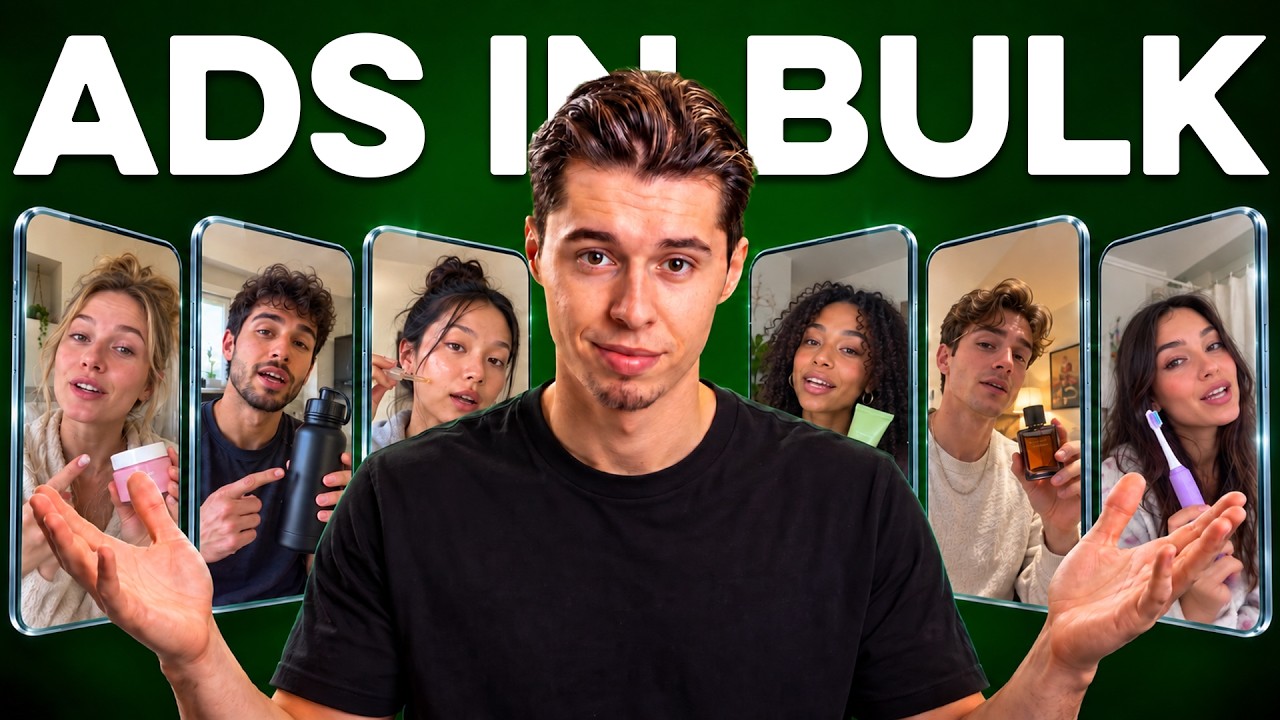
What this lesson covers
Youri van Hofwegen breaks down a complete end-to-end workflow for generating realistic UGC video ads using OpenArt. He covers creating 10-panel product and 3-panel creator reference sheets, generating a multi-shot 30-second video with native audio using Seedance 2.5, and translating the final ad into multiple languages with lip-sync.
Key takeaways from the creator
AI-extracted notes, not independently verified product claims. Timestamp links let you check each point in the original video.
- 01:04 ↗
Spelled-out text in prompts on 10-panel product reference sheets prevents text hallucination and ensures readable labels across all angles.
- 02:40 ↗
A 3-panel character reference sheet featuring headless full body, back view, and facial close-up with flat lighting locks identity without carrying unwanted lighting into video scenes.
- 04:17 ↗
Seedance 2.5 can generate a complete 30-second multi-cut short-form video with synced audio and consistent character/product references in a single generation.
- 05:08 ↗
Prompting specific mobile front-camera imperfections and handheld phone characteristics creates convincing UGC realism compared to polished studio looks.
- 06:43 ↗
Automated video dubbing tools can translate generated ads into multiple target languages while retaining original voice timbre and re-syncing mouth movements.
Workflow outlined in the video
- Generate a 10-panel product turn sheet using GPT Image 2.5 at 4K resolution, spelling brand names letter-by-letter to guarantee crisp label text.
- Create a 3-panel character sheet (full body, back view, close-up face) on a neutral gray background with completely flat lighting to ensure character consistency.
- Open Seedance 2.5 in OpenArt Text-to-Video, upload both the product and character reference sheets, and set the aspect ratio to 9:16 at 1080p for 30 seconds with audio enabled.
- Structure the video prompt into timestamped chronological cuts describing front-camera phone movement, casual delivery, and specific action beats.
- Run the generated video through OpenArt's Dub Video tool to localize dialogue into multiple languages while preserving vocal timbre and applying automated lip sync.
Before you use this workflow
These notes describe the source video at its publication date. Model access, pricing, connectors and interfaces may have changed. Check the original source and the provider’s current documentation before installing an add-on, connecting an account or spending credits.
ReelStack has not independently tested this workflow. Preview one representative shot and check motion, continuity and output quality before applying it to a full production. No result, cost saving or model capability is guaranteed.
How to interpret the numbers
15,607 views captured 1 October 2026. ReelStack recommendation score: 54/100. Formula: radar-v5. This is ReelStack’s calculation, not a YouTube rating or a measure of factual accuracy.
Show the calculation
- 65% performance: 0.95× views vs 14 other channel videos observed at a similar age. View-evidence factor 94% (views / (views + 1,000))
- 25% freshness: 97/100 with a 14-day half-life
- Momentum pending: collecting daily snapshots; its 20% weight goes to observed performance, not free points
- 10% engagement: 4/100; likes + 4× comments, smoothed with a 500-view neutral prior