How To Make Realistic AI UGC (Tutorial)
As brands shift towards synthetic marketing, mastering AI-generated UGC pipelines allows filmmakers to scale ad testing without traditional production overhead.
What this lesson covers
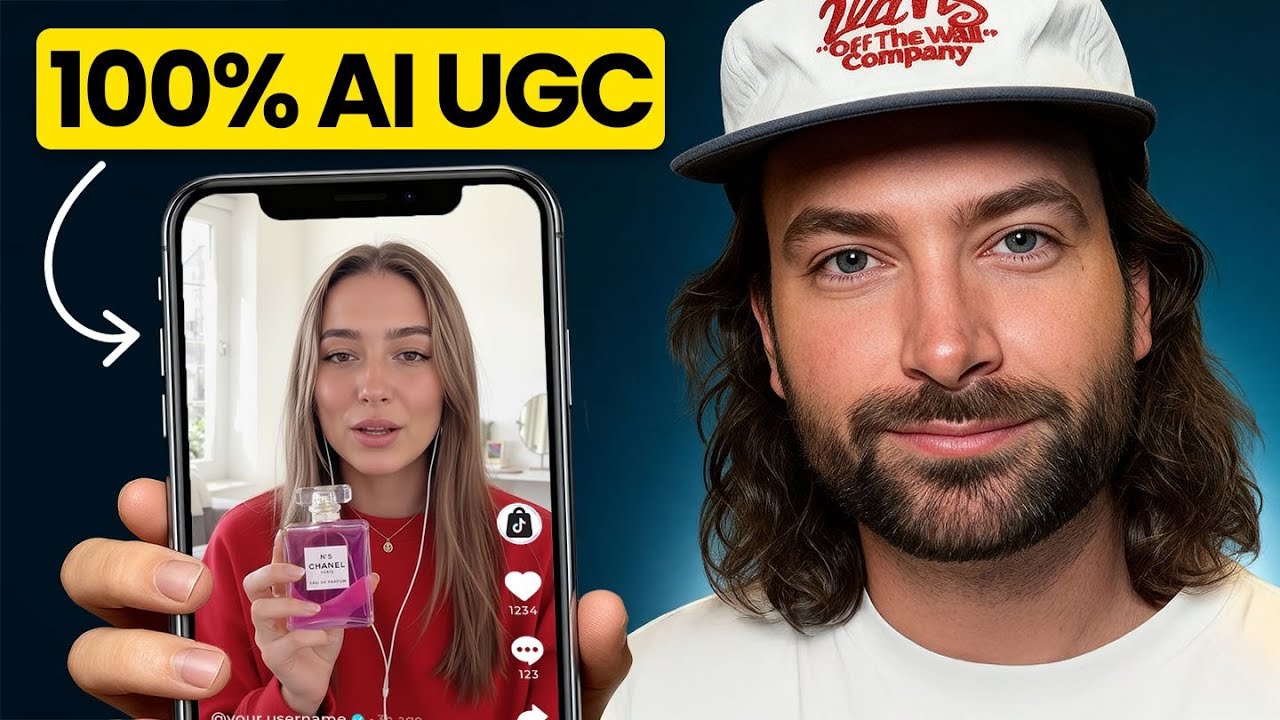
This tutorial demonstrates how to generate realistic AI user-generated content (UGC) ads using Arcads and Sora 2. The creator walks through custom prompting structures and product reference integration to produce high-converting video advertisements.
Key takeaways from the creator
AI-extracted notes, not independently verified product claims. Timestamp links let you check each point in the original video.
- 01:01 ↗
Arcads provides dedicated workflows and preset actors tailored specifically for creating AI UGC video advertisements.
- 02:41 ↗
Utilizing structured, detailed custom prompts helps bypass platform character limits and improves Sora 2 output quality.
- 03:19 ↗
Uploading a high-resolution product reference image (over 600 pixels) into Arcads ensures crisp fidelity in the final generation.
- 06:49 ↗
Applying an external video upscaler like Topaz Astra helps refine AI-generated video outputs for professional social ad distribution.
Workflow outlined in the video
- Set up an account on Arcads and navigate to the custom actor or Sora 2 Pro generation tools.
- Upload a high-resolution reference image of your physical or digital product.
- Input a structured prompt detailing the style, setting, and natural speaking points for the AI avatar.
- Generate the video sequence and review the lip-sync and product fidelity.
- Export the final video and optionally run it through an upscaler like Topaz Astra for higher resolution.
Before you use this workflow
These notes describe the source video at its publication date. Model access, pricing, connectors and interfaces may have changed. Check the original source and the provider’s current documentation before installing an add-on, connecting an account or spending credits.
ReelStack has not independently tested this workflow. Preview one representative shot and check motion, continuity and output quality before applying it to a full production. No result, cost saving or model capability is guaranteed.
Explore the tools
How to interpret the numbers
59,435 views captured 24 October 2026. ReelStack recommendation score: 28/100. Formula: radar-v5. This is ReelStack’s calculation, not a YouTube rating or a measure of factual accuracy.
Show the calculation
- 65% performance: 0.50× views vs 3 other channel videos observed at a similar age. View-evidence factor 98% (views / (views + 1,000))
- 25% freshness: 0/100 with a 14-day half-life
- Momentum pending: collecting daily snapshots; its 20% weight goes to observed performance, not free points
- 10% engagement: 70/100; likes + 4× comments, smoothed with a 500-view neutral prior