How To Make Cinematic AI Films With Kling 3.0 (Full Tutorial)
Shows AI filmmakers how to combine image and video models with disciplined prompting to produce professional‑grade, platform‑ready content at scale.
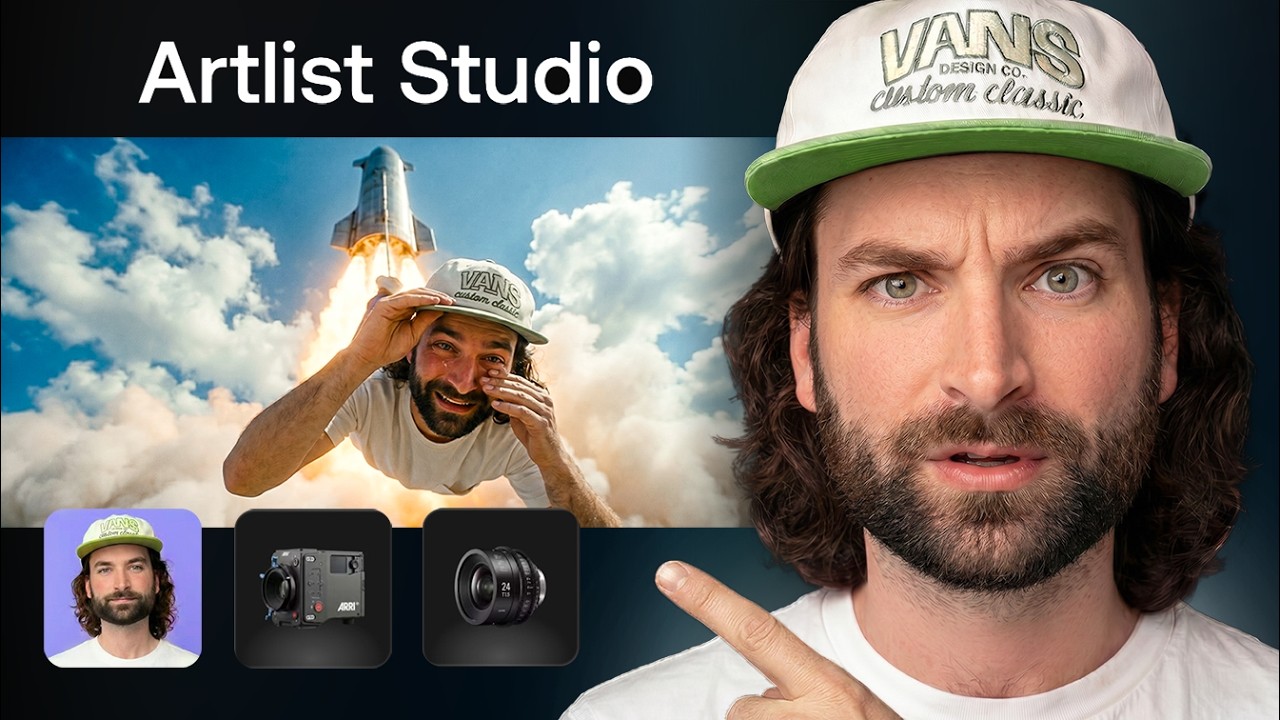
What this lesson covers
Rourke Heath walks through a full cinematic AI short‑film workflow, from an attention‑grabbing thumbnail frame to final edit, using Artlist Studio, Nano Banana Pro for image generation and Kling 3.0 for multi‑shot video generation. He emphasizes consistent camera presets, multi‑shot prompting, and credit management to keep the project cohesive and cost‑effective.
Key takeaways from the creator
AI-extracted notes, not independently verified product claims. Timestamp links let you check each point in the original video.
- 00:15 ↗
An eye‑catching opening frame modeled after high‑click‑through thumbnails is crucial for short‑form engagement.
- 01:50 ↗
Using consistent camera presets (ARRI Alexa, ARRI Signature Prime) in Artlist Studio creates visual continuity across generated shots.
- 04:10 ↗
Kling 3.0’s multi‑shot prompting lets you script cuts, angles, and dialogue from a single prompt, streamlining direction.
- 06:12 ↗
Pairing Nano Banana Pro for image creation with Kling 3.0 for video generation yields a seamless end‑to‑end pipeline.
- 07:22 ↗
Monitoring AI credit usage prevents mid‑project stalls and forces efficient prompt design.
Workflow outlined in the video
- Define a thumbnail‑style opening frame that instantly captures attention.
- Generate reference images with Nano Banana Pro, selecting a single camera preset for all shots.
- Upload start and end frames to Kling 3.0 and use multi‑shot prompting to dictate scene cuts and dialogue.
- Import the generated clips into Premiere Pro and align them with layered sound design.
- Track credit consumption throughout and adjust prompts to stay within budget.
- Export the final edit and distribute on short‑form platforms for maximum reach.
Before you use this workflow
These notes describe the source video at its publication date. Model access, pricing, connectors and interfaces may have changed. Check the original source and the provider’s current documentation before installing an add-on, connecting an account or spending credits.
ReelStack has not independently tested this workflow. Preview one representative shot and check motion, continuity and output quality before applying it to a full production. No result, cost saving or model capability is guaranteed.
Explore the tools
How to interpret the numbers
19,183 views captured 24 October 2026. ReelStack recommendation score: 29/100. Formula: radar-v5. This is ReelStack’s calculation, not a YouTube rating or a measure of factual accuracy.
Show the calculation
- 65% performance: 0.61× current views vs the channel's recent median; same-age history is not yet available. View-evidence factor 95% (views / (views + 1,000))
- 25% freshness: 0/100 with a 14-day half-life
- Momentum pending: collecting daily snapshots; its 20% weight goes to observed performance, not free points
- 10% engagement: 55/100; likes + 4× comments, smoothed with a 500-view neutral prior