How to Make AI Videos That Really Look Like You (Full Guide)
It demonstrates an advanced multi-platform pipeline that solves the persistent challenge of face morphing and character continuity in action sequences.
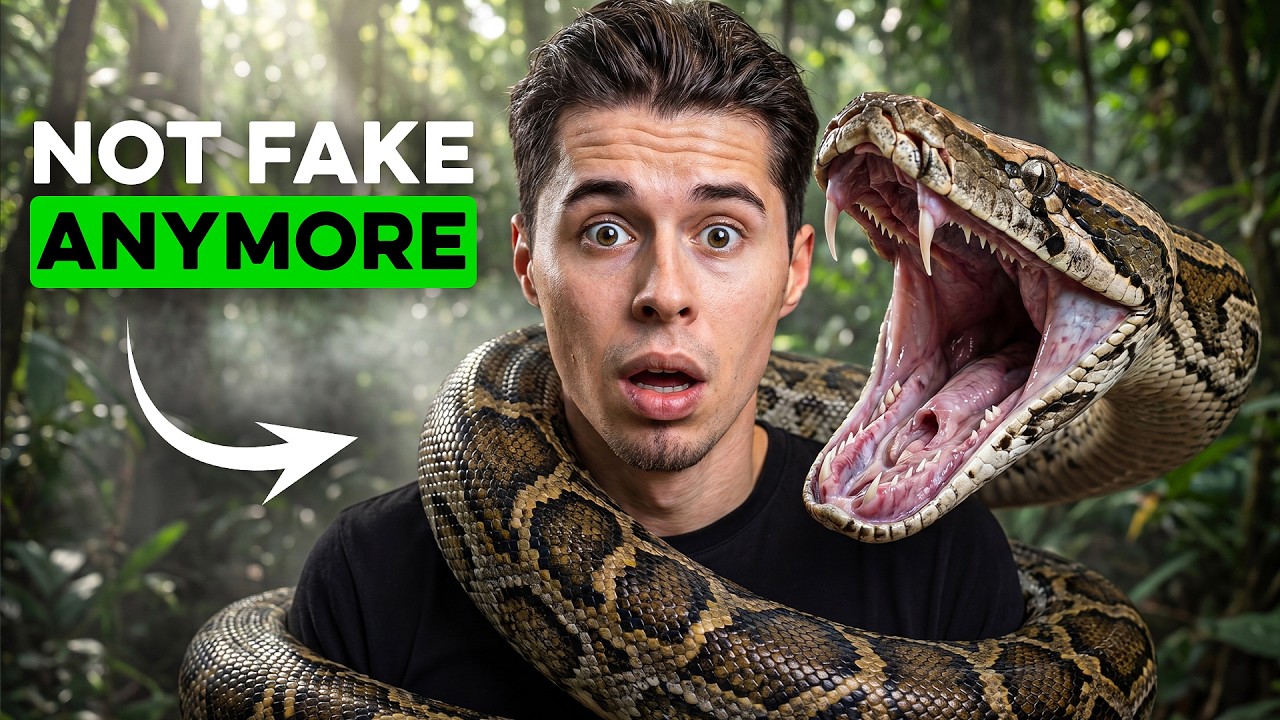
What this lesson covers
This guide details a comprehensive workflow for generating AI action videos featuring the creator's own face while maintaining character consistency. It covers building custom characters in OpenArt, leveraging GPT Image 2 for photorealism, designing matching locations with Claude, and animating scenes using Seedance 2.
Key takeaways from the creator
AI-extracted notes, not independently verified product claims. Timestamp links let you check each point in the original video.
- 00:43 ↗
Uploading multiple neutral-background photos of your face into OpenArt allows you to build a consistent custom character model.
- 01:36 ↗
Selecting GPT Image 2 provides superior photorealistic reference images compared to older generation models.
- 02:05 ↗
Using the '@' symbol followed by the character's name in prompts anchors facial details and prevents the AI from losing consistency.
- 04:35 ↗
Uploading character reference images to Claude enables it to generate a matching location prompt that retains the exact visual style.
- 06:22 ↗
Bringing reference images and location stills into Seedance 2 allows text-with-reference generation to carry locked details into motion.
Workflow outlined in the video
- Upload several clean, neutral-lighting photos of your face to OpenArt to create a custom character.
- Generate initial reference images using GPT Image 2, making sure to use the '@' symbol before your character's name in the prompt.
- Upload your generated character references into Claude to generate a stylistically matched location prompt.
- Create your location image in OpenArt using the prompt generated by Claude.
- Import your character and location reference images into Seedance 2 to generate and animate the final action video sequence.
Before you use this workflow
These notes describe the source video at its publication date. Model access, pricing, connectors and interfaces may have changed. Check the original source and the provider’s current documentation before installing an add-on, connecting an account or spending credits.
ReelStack has not independently tested this workflow. Preview one representative shot and check motion, continuity and output quality before applying it to a full production. No result, cost saving or model capability is guaranteed.
Explore the tools
How to interpret the numbers
39,008 views captured 25 October 2026. ReelStack recommendation score: 28/100. Formula: radar-v5. This is ReelStack’s calculation, not a YouTube rating or a measure of factual accuracy.
Show the calculation
- 45% performance: 1.08× views vs 14 other channel videos observed at a similar age. View-evidence factor 98% (views / (views + 1,000))
- 25% freshness: 0/100 with a 14-day half-life
- 20% momentum: 35 views/day vs 121 channel baseline (6 comparable uploads), with the same view-evidence factor
- 10% engagement: 4/100; likes + 4× comments, smoothed with a 500-view neutral prior