How To Make AI Cartoon Animation Videos of Yourself
Stylized animation workflows provide AI creators with a highly controllable pipeline that leverages structured reference templates to solve 2D character consistency challenges.
What this lesson covers
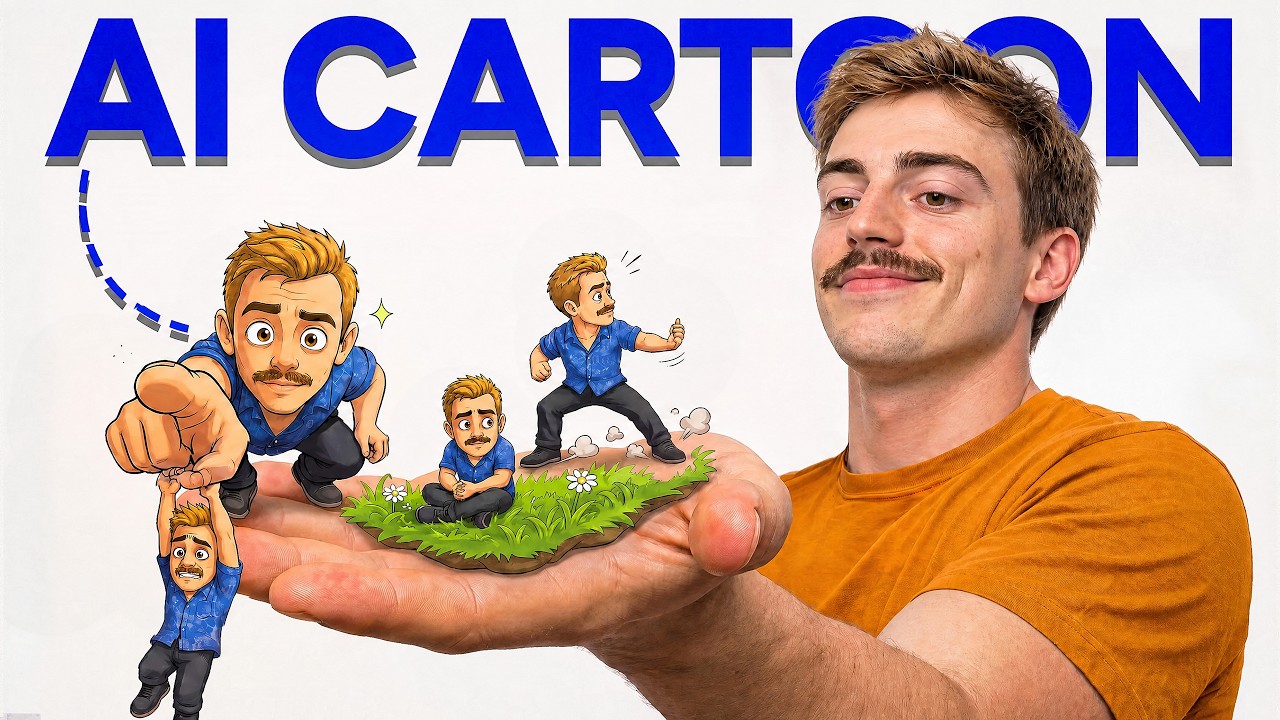
Dan Kieft details a five-step workflow for producing animated AI cartoon videos starting from custom character reference sheets generated in OpenArt. He shows how to compose static scene frames using GPT Image 2 reference prompts before bringing them into video generators like Seedance 2.0 or 2.5.
Key takeaways from the creator
AI-extracted notes, not independently verified product claims. Timestamp links let you check each point in the original video.
- 01:35 ↗
Creating three-panel character reference sheets allows AI models to learn multi-angle facial and costume details accurately.
- 04:43 ↗
Combining character sheet references with explicit negative disclaimers prevents video models from rendering layout grids in the final frame.
- 06:18 ↗
Seedance 2.0 serves as a cost-effective alternative to Seedance 2.5 for simpler stylized cartoon animations.
Workflow outlined in the video
- Select an aesthetic style template from reference sheets and extract the style prompt.
- Generate a three-panel character reference sheet in OpenArt using multi-angle source images.
- Compose a consolidated start frame combining character reference sheets and environmental descriptions.
- Upload the start frame into Seedance 2.0 or Seedance 2.5.
- Write a timeline-based motion prompt specifying shot duration, character actions, and camera movements.
Before you use this workflow
These notes describe the source video at its publication date. Model access, pricing, connectors and interfaces may have changed. Check the original source and the provider’s current documentation before installing an add-on, connecting an account or spending credits.
ReelStack has not independently tested this workflow. Preview one representative shot and check motion, continuity and output quality before applying it to a full production. No result, cost saving or model capability is guaranteed.
Explore the tools
How to interpret the numbers
216,064 views captured 27 September 2026. ReelStack recommendation score: 49/100. Formula: radar-v5. This is ReelStack’s calculation, not a YouTube rating or a measure of factual accuracy.
Show the calculation
- 45% performance: 1.71× views vs 3 other channel videos observed at a similar age. View-evidence factor 100% (views / (views + 1,000))
- 25% freshness: 8/100 with a 14-day half-life
- 20% momentum: 5066 views/day vs 501 channel baseline (3 comparable uploads), with the same view-evidence factor
- 10% engagement: 2/100; likes + 4× comments, smoothed with a 500-view neutral prior