How to Create Ultra Realistic AI Commercials Like a Pro (Full Tutorial)
Offers concrete production techniques for commercial AI directors, specifically solving multi-character consistency, camera blocking, and reference plate preparation.
What this lesson covers
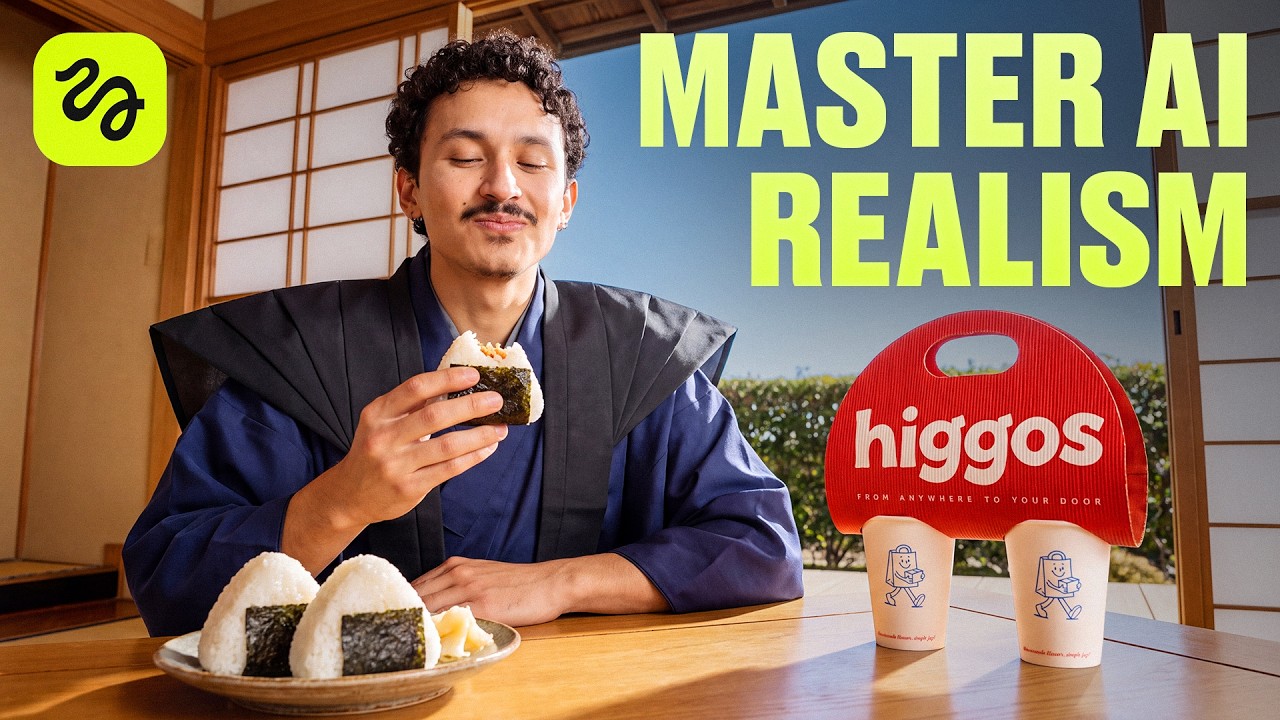
Adil demonstrates an end-to-end workflow for creating a multi-character commercial using Higgsfield Cinema Studio and Seedance 2.5. He explains how to cast consistent characters with gray-screen sheets, refine environment layouts with image editing models, and block scenes for seamless transitions.
Key takeaways from the creator
AI-extracted notes, not independently verified product claims. Timestamp links let you check each point in the original video.
- 01:30 ↗
Using a plain gray background for character sheets isolates clothing and facial details without visual noise, yielding cleaner video generation references.
- 02:10 ↗
Cropping character sheet turnaround panels from the neck down prevents multi-face ambiguity in Seedance 2.5 while retaining accurate wardrobe details.
- 03:56 ↗
Generating location backgrounds at a 3/4 angle provides spatial depth for dynamic camera moves compared to flat head-on angles.
- 05:57 ↗
Embedding food plates and seating directly into environment reference images locks character blocking and prevents the need for separate prop generations.
- 06:50 ↗
Generating secondary background extras as a collective group in a single reference image saves generation credits and streamlines asset management.
Workflow outlined in the video
- Set up a dedicated project folder structure in Cinema Studio before generating assets.
- Prompt Claude to generate comprehensive character turnarounds with front and rear wardrobe views against neutral gray backdrops.
- Generate broad character looks in Soul Cinema, then refine skin texture and lighting using Seedream 5 Pro.
- Establish 3/4 angle location references and prompt image-to-image edits to clear foreground clutter and create clear seating positions.
- Compose key scene props and background extra ensembles into unified reference cards to guide Seedance 2.5 video passes.
Before you use this workflow
These notes describe the source video at its publication date. Model access, pricing, connectors and interfaces may have changed. Check the original source and the provider’s current documentation before installing an add-on, connecting an account or spending credits.
ReelStack has not independently tested this workflow. Preview one representative shot and check motion, continuity and output quality before applying it to a full production. No result, cost saving or model capability is guaranteed.
Explore the tools
How to interpret the numbers
177,045 views captured 11 October 2026. ReelStack recommendation score: 63/100. Formula: radar-v5. This is ReelStack’s calculation, not a YouTube rating or a measure of factual accuracy.
Show the calculation
- 45% performance: 1.60× views vs 7 other channel videos observed at a similar age. View-evidence factor 99% (views / (views + 1,000))
- 25% freshness: 83/100 with a 14-day half-life
- 20% momentum: 20870 views/day vs 15772 channel baseline (7 comparable uploads), with the same view-evidence factor
- 10% engagement: 32/100; likes + 4× comments, smoothed with a 500-view neutral prior