How to Create AI Anime with Seedance 2.0 (You're in Full Control)
As advanced video models like Seedance 2.0 emerge, mastering image-to-video reference workflows and multi-shot prompting becomes critical for maintaining narrative consistency.
What this lesson covers
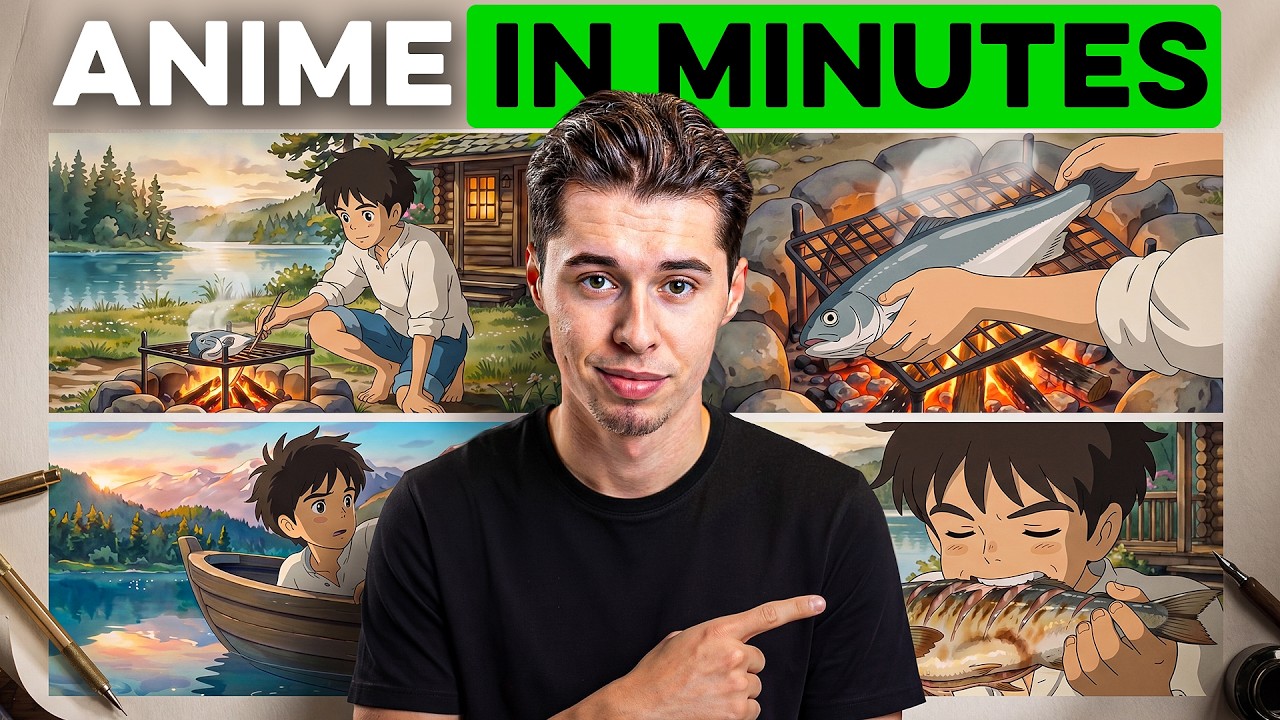
This video outlines a full workflow for creating AI anime scenes using Seedance 2.0 and reference images generated via Nano Banana Pro. The creator demonstrates how to structure multi-shot prompts using the MACAL framework to ensure consistency and control across generations.
Key takeaways from the creator
AI-extracted notes, not independently verified product claims. Timestamp links let you check each point in the original video.
- 0:56 ↗
Using image-to-video instead of text-to-video saves generation credits and ensures character and style consistency across scenes.
- 2:18 ↗
You can write a natural language description and use Claude to rewrite it into a polished prompt optimized for specific image models.
- 4:54 ↗
The MACAL framework breaks 15-second generations into multiple specific shots (multi-shot) to avoid static, screensaver-like results.
- 6:53 ↗
Seedance 2.0 can generate synchronized audio directly inside the video clip when specified in the prompt structure.
Workflow outlined in the video
- Write a detailed natural language description of your desired character or location.
- Paste your rough description into Claude and ask it to format it into a proper prompt for Nano Banana Pro.
- Generate your reference images inside Higgsfield using Nano Banana Pro.
- Apply the MACAL multi-shot prompting framework to structure your action, camera movement, and audio cues for Seedance 2.0.
Before you use this workflow
These notes describe the source video at its publication date. Model access, pricing, connectors and interfaces may have changed. Check the original source and the provider’s current documentation before installing an add-on, connecting an account or spending credits.
ReelStack has not independently tested this workflow. Preview one representative shot and check motion, continuity and output quality before applying it to a full production. No result, cost saving or model capability is guaranteed.
Explore the tools
How to interpret the numbers
66,001 views captured 25 October 2026. ReelStack recommendation score: 43/100. Formula: radar-v5. This is ReelStack’s calculation, not a YouTube rating or a measure of factual accuracy.
Show the calculation
- 45% performance: 2.32× views vs 19 other channel videos observed at a similar age. View-evidence factor 99% (views / (views + 1,000))
- 25% freshness: 0/100 with a 14-day half-life
- 20% momentum: 148 views/day vs 94 channel baseline (7 comparable uploads), with the same view-evidence factor
- 10% engagement: 2/100; likes + 4× comments, smoothed with a 500-view neutral prior