How I Automate Entire YouTube Channels With Airtable AI Agents (Part 2)
Moving content pipelines entirely into flexible database environments like Airtable bypasses the limitations of rigid SaaS wrappers for scaling multi-channel creators.
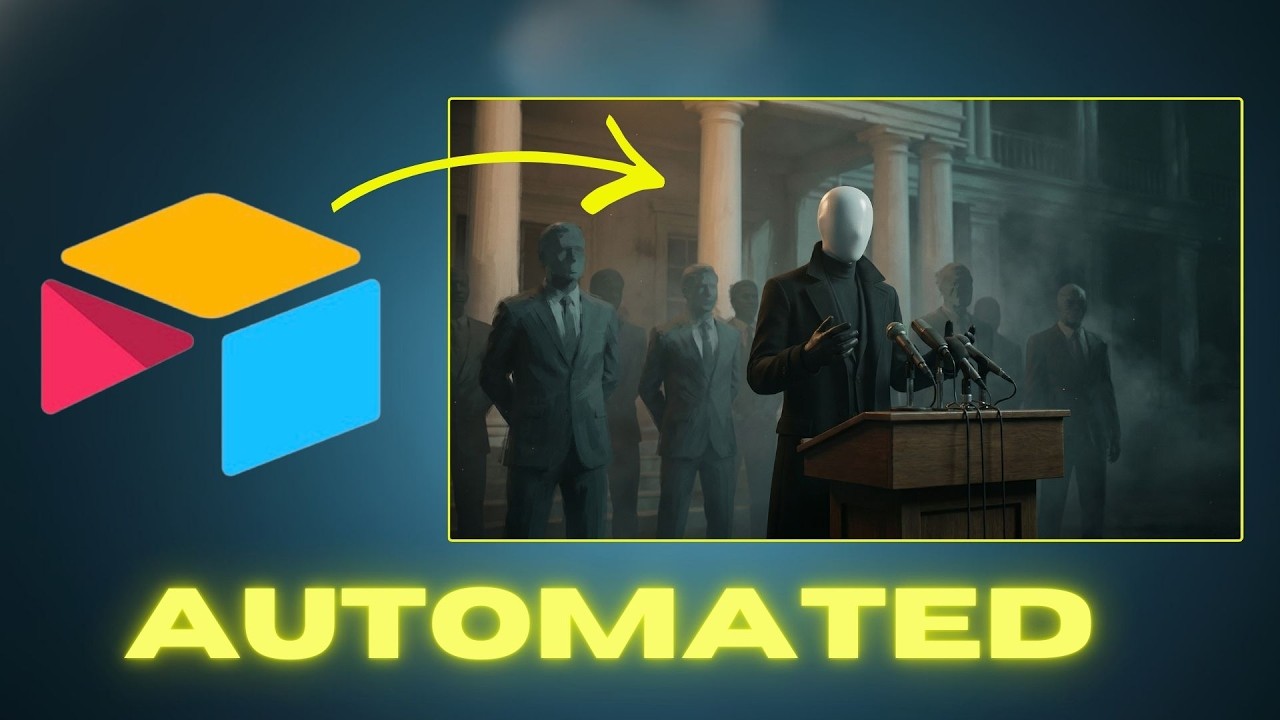
What this lesson covers
This video demonstrates how to build a fully automated content pipeline inside Airtable using native field agents. The creator walks through chaining text, image, and video generation models directly within a centralized database.
Key takeaways from the creator
AI-extracted notes, not independently verified product claims. Timestamp links let you check each point in the original video.
- 01:05 ↗
Airtable field agents divide into three core buckets: text generation, media creation (images/video), and media analysis.
- 01:53 ↗
You can build chained visual workflows where an initial prompt generates a base image, which then acts as a reference for subsequent image and video transformations.
- 08:48 ↗
Automating a full pipeline typically starts with an idea, generates a narrative, creates a voiceover, and compiles a shot list before triggering visual generation.
- 09:00 ↗
Generating images before video generation saves significant token and compute costs compared to direct text-to-video pipelines.
Workflow outlined in the video
- Set up an Airtable base with dedicated tables for channels, episodes, and asset prompts.
- Configure text field agents to automatically generate narrative scripts and shot lists from basic titles.
- Set up image generation field agents using initial text prompts and pass reference images iteratively to maintain visual style.
- Configure video generation field agents to animate approved final image frames rather than relying solely on expensive text-to-video models.
Before you use this workflow
These notes describe the source video at its publication date. Model access, pricing, connectors and interfaces may have changed. Check the original source and the provider’s current documentation before installing an add-on, connecting an account or spending credits.
ReelStack has not independently tested this workflow. Preview one representative shot and check motion, continuity and output quality before applying it to a full production. No result, cost saving or model capability is guaranteed.
How to interpret the numbers
1,065 views captured 24 October 2026. ReelStack recommendation score: 18/100. Formula: radar-v5. This is ReelStack’s calculation, not a YouTube rating or a measure of factual accuracy.
Show the calculation
- 65% performance: 0.34× current views vs the channel's recent median; same-age history is not yet available. View-evidence factor 52% (views / (views + 1,000))
- 25% freshness: 0/100 with a 14-day half-life
- Momentum pending: collecting daily snapshots; its 20% weight goes to observed performance, not free points
- 10% engagement: 95/100; likes + 4× comments, smoothed with a 500-view neutral prior