How I Actually Make Viral AI Shorts - AI Cat CCTV Videos
Shows a low‑cost, repeatable workflow that lets indie creators produce attention‑grabbing AI shorts without deep technical expertise.
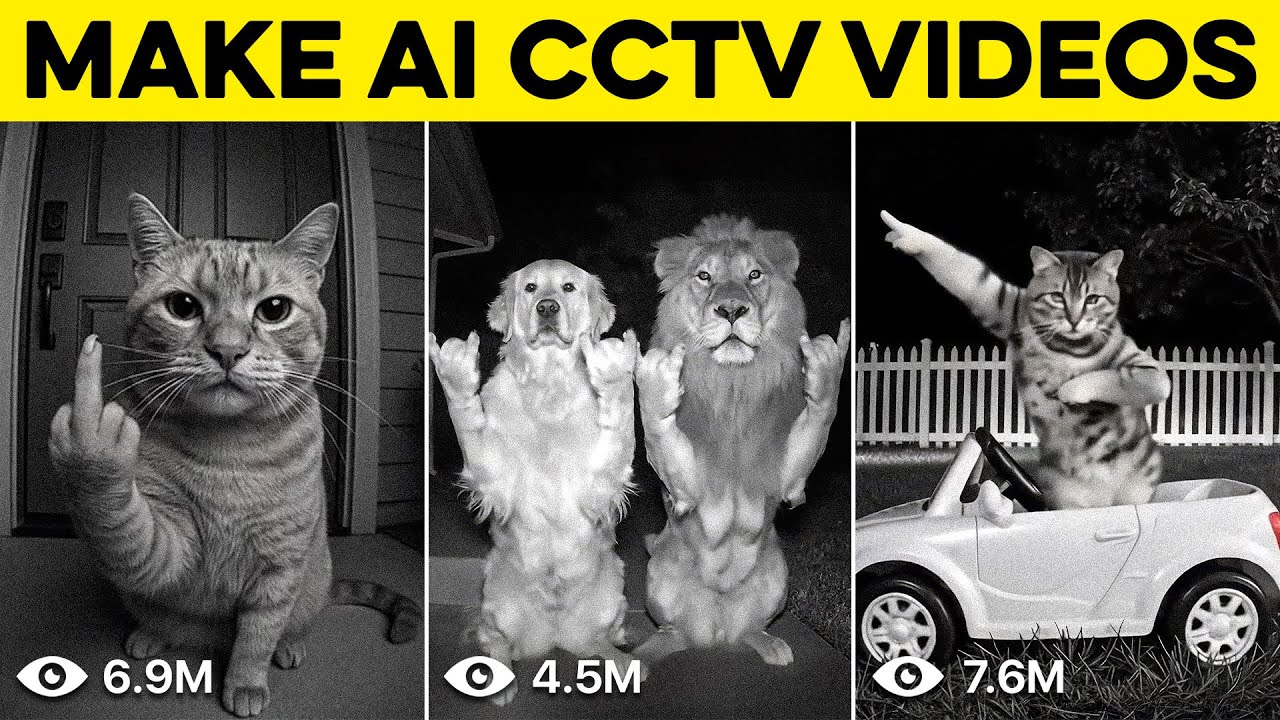
What this lesson covers
Dan Kieft demonstrates how to create viral AI CCTV‑style shorts by turning static images into short videos using an image‑to‑video tool and template effects like middle‑finger and dance. He walks through prompt crafting, video generation settings, and post‑processing steps such as resolution upscaling and adding music.
Key takeaways from the creator
AI-extracted notes, not independently verified product claims. Timestamp links let you check each point in the original video.
- 01:17 ↗
The tool “pictures” (Pixverse) can turn a single base image into a short video using built‑in templates.
- 02:04 ↗
Include detailed prompt descriptors (lighting, camera type, grain) to steer the AI toward realistic CCTV footage.
- 02:48 ↗
Export the generated clip without a watermark, then re‑import it into the template editor for effects.
- 03:06 ↗
Changing the output resolution to 1080p automatically adds background sound, which can be toggled off if undesired.
- 05:01 ↗
For reliable results, describe every action in the scene (e.g., cat’s gaze, proximity to lens) rather than vague verbs.
Workflow outlined in the video
- 1. Capture or source a high‑contrast black‑and‑white image that matches the desired CCTV aesthetic.
- 2. Write a detailed prompt covering camera angle, lighting, grain, and exact cat actions.
- 3. Upload the image to Pixverse’s “pictures” tool, select a template (e.g., middle‑finger or dance), set duration (5‑8 s) and resolution (1080p).
- 4. Generate the video, download the watermark‑free version, and re‑upload to the template editor for additional effects.
- 5. Add or mute background music, then export the final clip for TikTok/Instagram.
Before you use this workflow
These notes describe the source video at its publication date. Model access, pricing, connectors and interfaces may have changed. Check the original source and the provider’s current documentation before installing an add-on, connecting an account or spending credits.
ReelStack has not independently tested this workflow. Preview one representative shot and check motion, continuity and output quality before applying it to a full production. No result, cost saving or model capability is guaranteed.
How to interpret the numbers
77,013 views captured 23 October 2026. ReelStack recommendation score: 20/100. Formula: radar-v5. This is ReelStack’s calculation, not a YouTube rating or a measure of factual accuracy.
Show the calculation
- 65% performance: 0.44× current views vs the channel's recent median; same-age history is not yet available. View-evidence factor 99% (views / (views + 1,000))
- 25% freshness: 0/100 with a 14-day half-life
- Momentum pending: collecting daily snapshots; its 20% weight goes to observed performance, not free points
- 10% engagement: 2/100; likes + 4× comments, smoothed with a 500-view neutral prior