Higgsfield Genjutsu: Replace Characters in Any Video
Higgsfield Genjutsu provides AI filmmakers with a direct shot-re-skinning workflow, enabling high-control character replacement over archived or existing live-action plates.
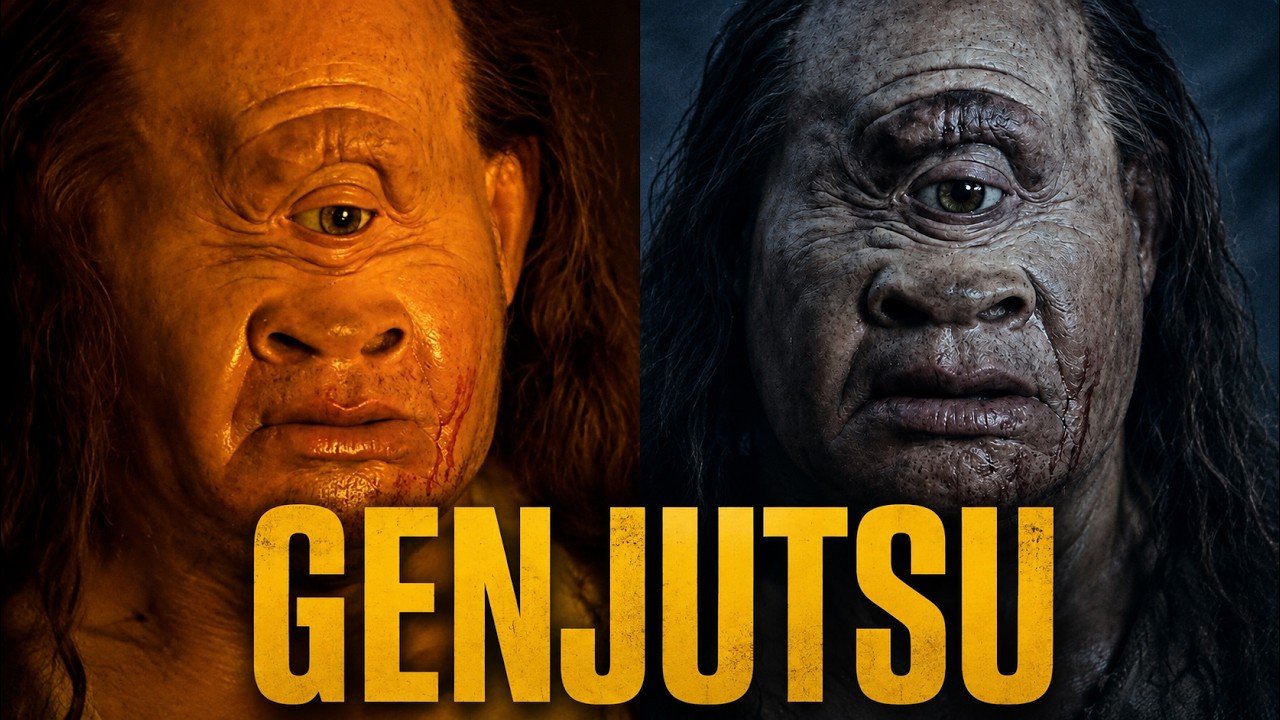
What this lesson covers
DGI Kaos demonstrates how to use Higgsfield Genjutsu to swap characters within existing video clips while preserving original camera motion. He walks through generating replacement character sheets in ChatGPT, drafting auto-tagging prompts with Claude, and managing file upload sequences inside Higgsfield.
Key takeaways from the creator
AI-extracted notes, not independently verified product claims. Timestamp links let you check each point in the original video.
- 00:46 ↗
Generating character reference sheets in ChatGPT using color-reference images allows precise control over replacement character designs before video swapping.
- 01:47 ↗
Re-skinning archival or public domain footage enables creators to reuse original camera motion while completely updating cast aesthetics.
- 04:24 ↗
Passing screenshots of original video characters and replacement artwork to Claude helps build structured prompts tailored to Higgsfield's prompt parser.
- 05:54 ↗
Uploading reference videos and images into Higgsfield before pasting the prompt is required for automatic variable tagging to work.
- 06:44 ↗
Processing a 13-second video generation at 720p in Higgsfield Genjutsu costs 91 credits and takes approximately 4 to 5 minutes to render.
Workflow outlined in the video
- Select and clip a target reference video containing desired camera movement and shot framing.
- Take static screenshots of the original characters in the reference clip.
- Generate replacement character reference sheets in ChatGPT using style and color prompts.
- Feed the character screenshots and replacement images into Claude to produce a formatted Higgsfield Genjutsu replacement prompt.
- Upload the reference video and new character image sheets into Higgsfield Genjutsu and confirm all files finish loading.
- Paste the Claude prompt into Higgsfield Genjutsu, verify auto-tags align with image and video references, select resolution (e.g., 720p), and initiate generation.
Before you use this workflow
These notes describe the source video at its publication date. Model access, pricing, connectors and interfaces may have changed. Check the original source and the provider’s current documentation before installing an add-on, connecting an account or spending credits.
ReelStack has not independently tested this workflow. Preview one representative shot and check motion, continuity and output quality before applying it to a full production. No result, cost saving or model capability is guaranteed.
Explore the tools
How to interpret the numbers
4,512 views captured 27 September 2026. ReelStack recommendation score: 59/100. Formula: radar-v5. This is ReelStack’s calculation, not a YouTube rating or a measure of factual accuracy.
Show the calculation
- 65% performance: 9.38× current views vs the channel's recent median; same-age history is not yet available. View-evidence factor 82% (views / (views + 1,000))
- 25% freshness: 33/100 with a 14-day half-life
- Momentum pending: collecting daily snapshots; its 20% weight goes to observed performance, not free points
- 10% engagement: 28/100; likes + 4× comments, smoothed with a 500-view neutral prior