Higgsfield AI Audio Just Changed the Game for Content Creators
Unified AI audio tools streamline production for AI filmmakers, cutting both time and cost.
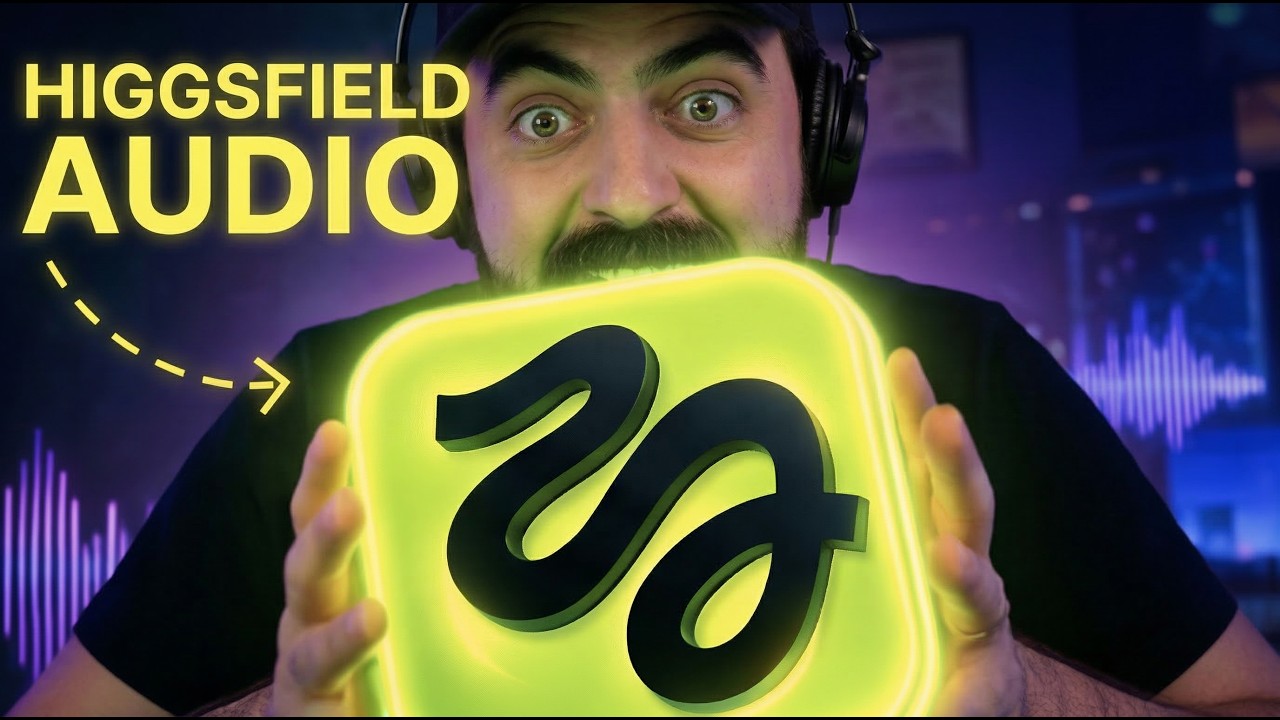
What this lesson covers
Diego demonstrates Higgsfield Audio, an all‑in‑one AI voiceover, voice‑changing and translation suite that also handles lip‑sync. The tool consolidates multiple audio workflows, letting creators produce multilingual, faceless videos quickly and affordably.
Key takeaways from the creator
AI-extracted notes, not independently verified product claims. Timestamp links let you check each point in the original video.
- 00:57 ↗
Higgsfield Audio bundles voiceover, voice‑change and translation in a single workflow, eliminating tool‑hopping.
- 01:59 ↗
The platform supports 40+ preset voices with distinct personalities, suitable for tutorials, documentaries, and trailers.
- 03:57 ↗
Its translate feature can localize videos into up to 18 languages while keeping lip‑sync natural.
- 04:10 ↗
Custom voice cloning lets you upload a recording and generate up to three personal AI voices for future projects.
- 05:11 ↗
Using a single system for voice‑over, dubbing and translation saves both time and credits, directly impacting production budgets.
Workflow outlined in the video
- Create a script and paste it into Higgsfield Audio’s voiceover tool to generate a base audio file.
- Select a preset voice that matches your video’s tone or clone your own voice for a personalized narration.
- If the original voice doesn’t fit a character, use the change‑voice feature to swap it without re‑recording.
- Apply the translate function to produce multilingual versions, choosing from the 18 supported languages.
- Export the synced audio and lip‑sync files and import them directly into your video editor for final assembly.
Before you use this workflow
These notes describe the source video at its publication date. Model access, pricing, connectors and interfaces may have changed. Check the original source and the provider’s current documentation before installing an add-on, connecting an account or spending credits.
ReelStack has not independently tested this workflow. Preview one representative shot and check motion, continuity and output quality before applying it to a full production. No result, cost saving or model capability is guaranteed.
Explore the tools
How to interpret the numbers
7,266 views captured 22 October 2026. ReelStack recommendation score: 48/100. Formula: radar-v5. This is ReelStack’s calculation, not a YouTube rating or a measure of factual accuracy.
Show the calculation
- 45% performance: 4.89× views vs 5 other channel videos observed at a similar age. View-evidence factor 88% (views / (views + 1,000))
- 25% freshness: 0/100 with a 14-day half-life
- 20% momentum: 12 views/day vs 6 channel baseline (3 comparable uploads), with the same view-evidence factor
- 10% engagement: 30/100; likes + 4× comments, smoothed with a 500-view neutral prior