Hell Grind: Rebuilding Our Biggest Fight Scene from Scratch
Provides an actionable framework for directing complex, multi-character action scenes with temporal consistency using structured prompt skills and visual canvas workflows.
What this lesson covers
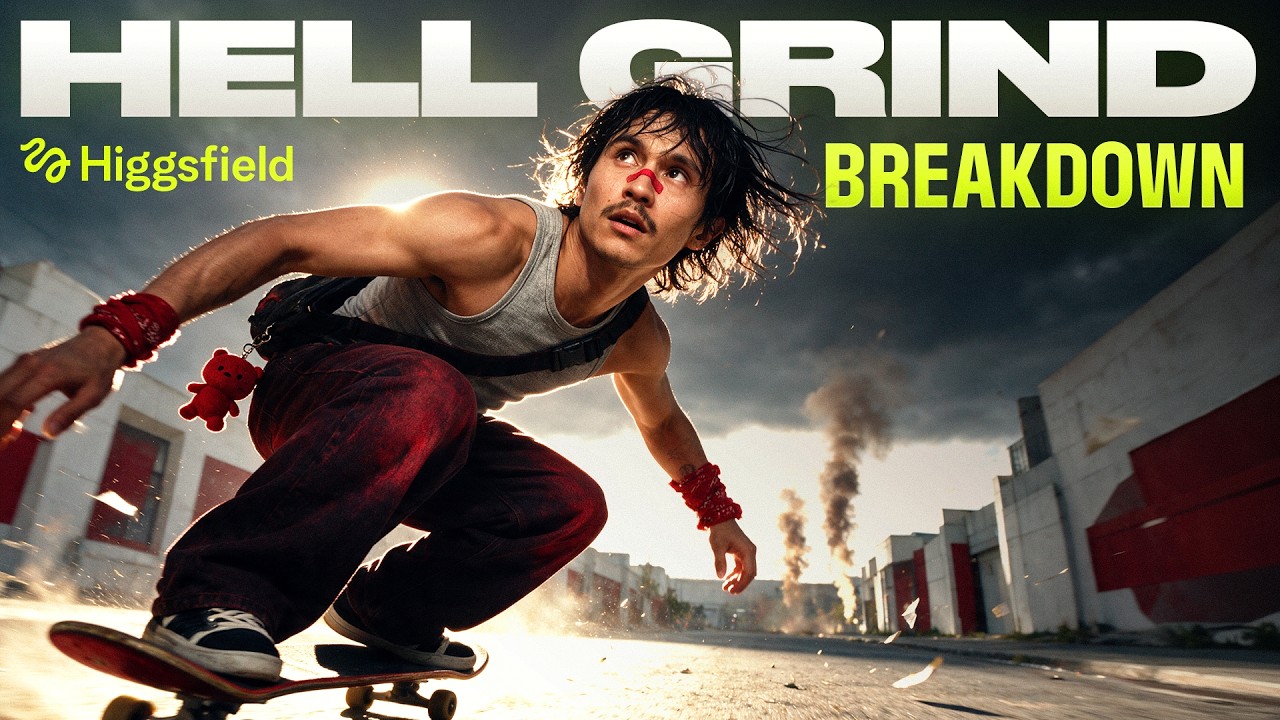
Adil breaks down the open-sourced workflow used to generate an action battle sequence from the AI feature film Hell Grind. The tutorial details how to structure Claude prompt skills, organize Canvas assets, construct distinct crowd classes, and fix generation glitches without relying on negative prompts.
Key takeaways from the creator
AI-extracted notes, not independently verified product claims. Timestamp links let you check each point in the original video.
- 03:27 ↗
Custom Claude skills structure prompts into asset tags, spatial distances in meters, timecoded camera moves, and strict model guardrails.
- 04:47 ↗
Pre-building environment assets from opposing camera angles prevents background drift and character hallucinations during rapid camera moves.
- 06:41 ↗
Generating four variations per batch allows filmmakers to instantly differentiate between random model artifacts and systematic prompt flaws.
- 07:16 ↗
Constructing distinct character classes for extra groups prevents background crowds from collapsing into identical AI clones.
- 08:29 ↗
Negative prompting frequently fails in AI video models; explicit affirmative action prompts prevent structural geometry morphing.
Workflow outlined in the video
- Install the structured filmmaking skill into Claude to automate multi-part prompt generation with spatial metrics.
- Set up a Canvas workspace organizing hero character sheets, location views from opposite angles, and crowd extra classes.
- Specify camera speeds using relative comparisons like 'three times faster than a dolly pull' instead of subjective adjectives.
- Run generations in four-batch sets to evaluate consistency and catch prompt issues early.
- Replace negative descriptions with direct affirmative physical directives when resolving unwanted object geometry.
Before you use this workflow
These notes describe the source video at its publication date. Model access, pricing, connectors and interfaces may have changed. Check the original source and the provider’s current documentation before installing an add-on, connecting an account or spending credits.
ReelStack has not independently tested this workflow. Preview one representative shot and check motion, continuity and output quality before applying it to a full production. No result, cost saving or model capability is guaranteed.
Explore the tools
How to interpret the numbers
84,072 views captured 27 September 2026. ReelStack recommendation score: 32/100. Formula: radar-v5. This is ReelStack’s calculation, not a YouTube rating or a measure of factual accuracy.
Show the calculation
- 45% performance: 0.67× views vs 7 other channel videos observed at a similar age. View-evidence factor 99% (views / (views + 1,000))
- 25% freshness: 7/100 with a 14-day half-life
- 20% momentum: 299 views/day vs 522 channel baseline (7 comparable uploads), with the same view-evidence factor
- 10% engagement: 57/100; likes + 4× comments, smoothed with a 500-view neutral prior