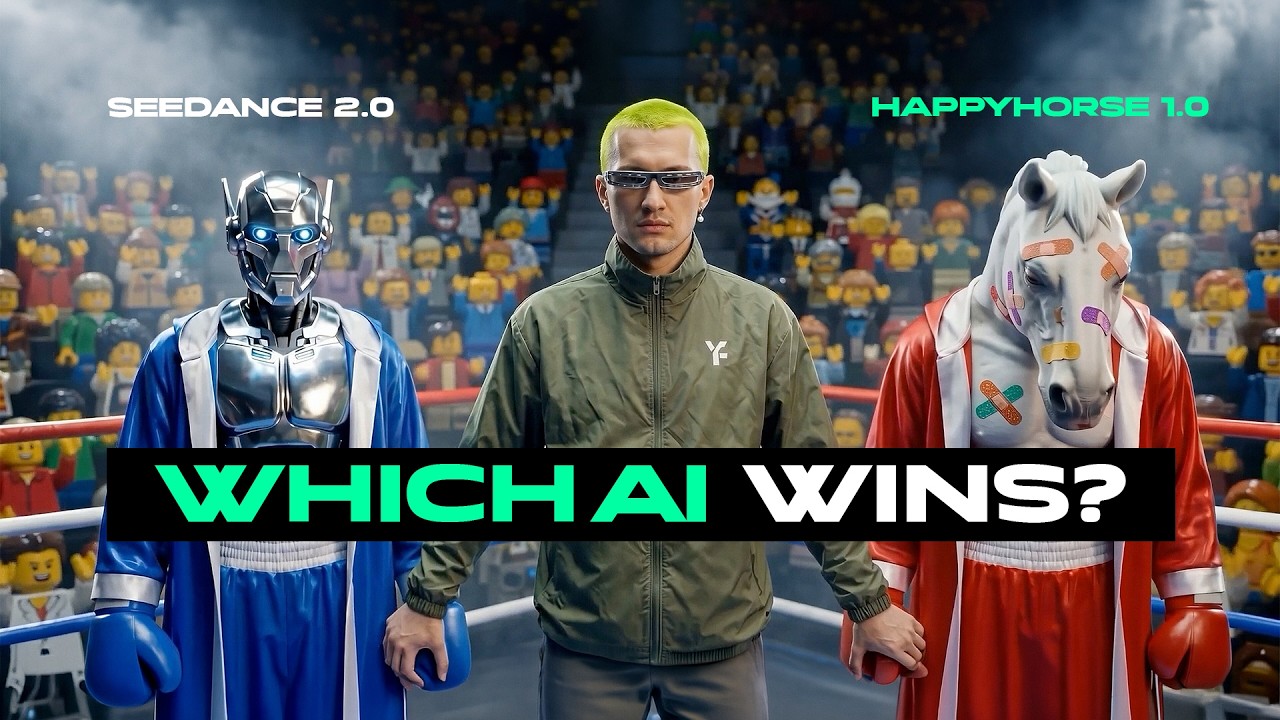
Happy Horse 1.0 vs Seedance 2.0 | The Real Winner
Offers a direct head-to-head benchmark of emerging video models, revealing the real-world performance differences between text-to-video and reference-driven workflows.
What this lesson covers
This video provides a direct comparative evaluation between Alibaba's Happy Horse 1.0 and Seedance 2.0 across text-to-video and image-to-video workflows. The creator demonstrates how each model handles complex prompts, visual styles, camera motion, and dialogue generation.
Key takeaways from the creator
AI-extracted notes, not independently verified product claims. Timestamp links let you check each point in the original video.
- 1:36 ↗
Happy Horse 1.0 is an Alibaba AI video model capable of text-to-video and image-to-video generation.
- 2:22 ↗
Seedance often delivers superior motion dynamics and detail compared to Happy Horse during direct text-to-video prompt tests.
- 4:00 ↗
Happy Horse struggles with handling complex, multi-element prompts stably compared to its competitors.
- 5:30 ↗
Using reference images significantly improves generation quality and visual stability in video models over text-to-video alone.
- 8:15 ↗
Model choice drastically impacts dialogue generation and voice naturalness, with some models sounding robotic and requiring external audio tools.
Workflow outlined in the video
- Test competing video generation models side-by-side using identical prompts to evaluate their real-world capabilities.
- Incorporate reference images into your workflow instead of relying solely on text-to-video prompts to achieve better stability.
- Utilize multi-image and multi-video reference modes when available to give generation models stronger context.
- Evaluate dialogue-driven video outputs carefully for voice naturalness and adjust audio on external platforms if necessary.
- Run custom test prompts featuring complex scenarios to understand the precise limits of the tool you are using.
Before you use this workflow
These notes describe the source video at its publication date. Model access, pricing, connectors and interfaces may have changed. Check the original source and the provider’s current documentation before installing an add-on, connecting an account or spending credits.
ReelStack has not independently tested this workflow. Preview one representative shot and check motion, continuity and output quality before applying it to a full production. No result, cost saving or model capability is guaranteed.
Explore the tools
How to interpret the numbers
19,354 views captured 24 October 2026. ReelStack recommendation score: 43/100. Formula: radar-v5. This is ReelStack’s calculation, not a YouTube rating or a measure of factual accuracy.
Show the calculation
- 45% performance: 1.42× views vs 11 other channel videos observed at a similar age. View-evidence factor 95% (views / (views + 1,000))
- 25% freshness: 0/100 with a 14-day half-life
- 20% momentum: 12 views/day vs 10 channel baseline (6 comparable uploads), with the same view-evidence factor
- 10% engagement: 71/100; likes + 4× comments, smoothed with a 500-view neutral prior