Google Just Transformed AI Filmmaking
Nano Banana Pro's integration with Gemini 3 offers advanced reasoning and multi-image blending, making it a powerful option for AI filmmakers managing character consistency and iterative prompting.
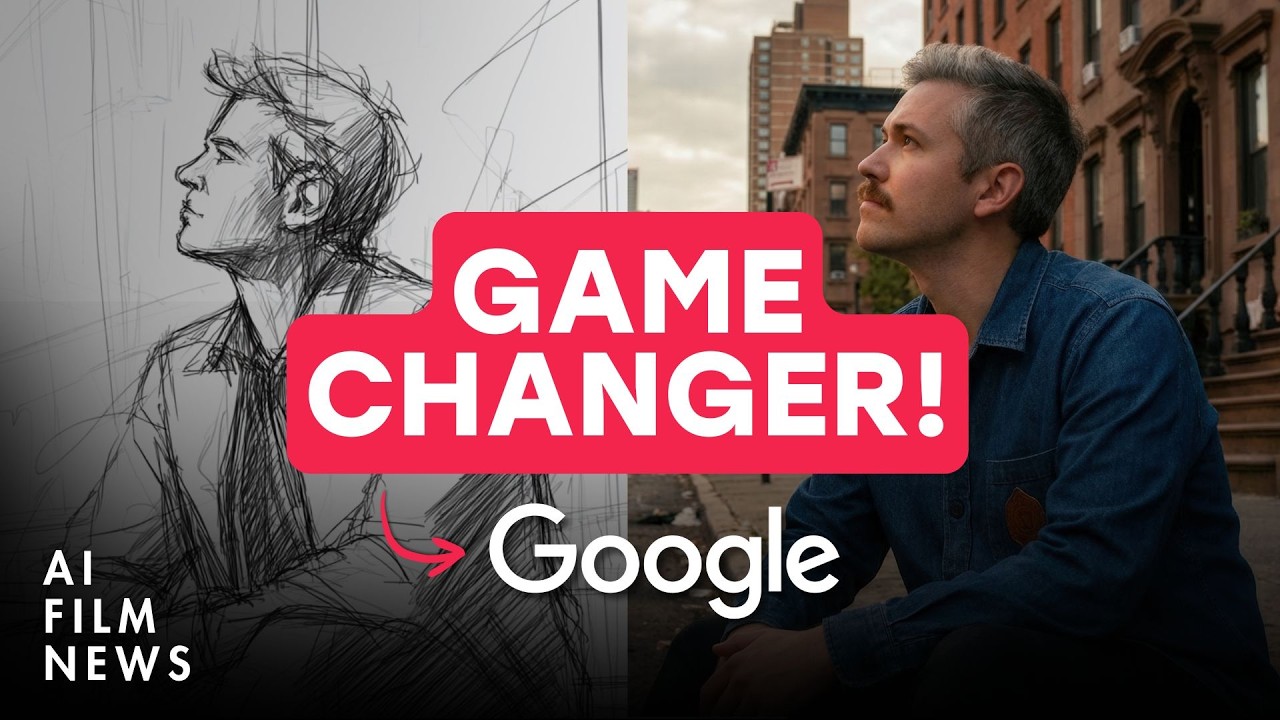
What this lesson covers
This video breaks down Google's new Nano Banana Pro image generation tool running on the Gemini 3 model and explores its multi-shot character consistency features. It also covers industry updates including Meta's SAM 3D, Midjourney updates, Hunyuan open-source video models, and Hedra lip-syncing.
Key takeaways from the creator
AI-extracted notes, not independently verified product claims. Timestamp links let you check each point in the original video.
- 00:42 ↗
Nano Banana Pro is an update to the original Nano Banana image generation tool, now running on the Gemini 3 model for enhanced complex reasoning and up to 4K output capabilities.
- 03:48 ↗
Using Nano Banana Pro inside Google Gemini allows you to prompt for cinematic stills and replace characters by uploading reference images.
- 06:42 ↗
Iterating continuously on generations within Nano Banana Pro can introduce artifacting and grain, degrading image quality over time if not managed carefully.
- 07:54 ↗
You can feed storyboard frames and character reference images into Nano Banana Pro to maintain continuity across multiple shots in an AI film workflow.
Workflow outlined in the video
- Access Nano Banana Pro via Google Gemini by selecting the thinking version under settings, or use creative aggregators like Freepik.
- Input a detailed prompt specifying your cinematic style, subject, and camera framing to generate a base reference image.
- Upload reference images of your characters and use iterative prompting to replace subjects and generate sequential reverse angle shots.
- Monitor image degradation during heavy iteration and utilize denoising tools if artifacting reduces usability.
Before you use this workflow
These notes describe the source video at its publication date. Model access, pricing, connectors and interfaces may have changed. Check the original source and the provider’s current documentation before installing an add-on, connecting an account or spending credits.
ReelStack has not independently tested this workflow. Preview one representative shot and check motion, continuity and output quality before applying it to a full production. No result, cost saving or model capability is guaranteed.
Explore the tools
How to interpret the numbers
42,613 views captured 23 October 2026. ReelStack recommendation score: 44/100. Formula: radar-v5. This is ReelStack’s calculation, not a YouTube rating or a measure of factual accuracy.
Show the calculation
- 65% performance: 1.35× views vs 3 other channel videos observed at a similar age. View-evidence factor 98% (views / (views + 1,000))
- 25% freshness: 0/100 with a 14-day half-life
- Momentum pending: collecting daily snapshots; its 20% weight goes to observed performance, not free points
- 10% engagement: 73/100; likes + 4× comments, smoothed with a 500-view neutral prior