Give me 13 Min, You'll Make Perfect AI Cartoon Videos
Demonstrates practical multi-character consistency and prompt engineering techniques for narrative AI animation.
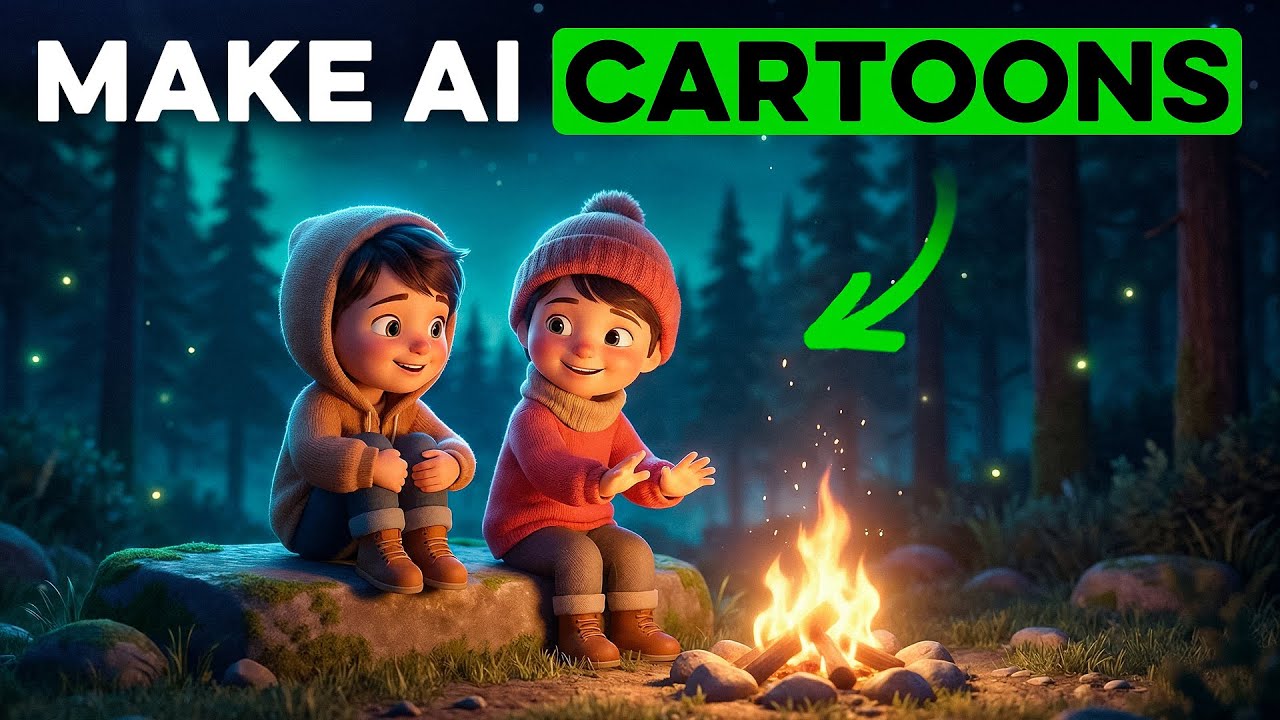
What this lesson covers
This video breaks down a complete workflow for producing kids' cartoon videos using ChatGPT for scriptwriting and OpenArt for character consistency and generation. The creator demonstrates how to structure simple narratives and maintain visual style across multiple scenes.
Key takeaways from the creator
AI-extracted notes, not independently verified product claims. Timestamp links let you check each point in the original video.
- 00:19 ↗
Cartoon scripts require a clear hero, a clear villain, and a simple narrative structure to maintain audience attention.
- 01:06 ↗
Structuring a simple premise in ChatGPT allows users to automatically generate structured scene descriptions and narration texts.
- 02:26 ↗
OpenArt's character section enables users to build custom AI character profiles starting from descriptive text prompts.
- 04:44 ↗
Using standardized scene generation templates ensures image prompts correctly reference character assets and formatting syntax.
- 06:08 ↗
Attaching previous images as reference inputs significantly improves environment and visual consistency across generated scenes.
Workflow outlined in the video
- Open a new ChatGPT window and paste a structured script template to generate a kid-friendly story and scene list.
- Navigate to OpenArt's character generation section and create custom models for your hero and villain using descriptive text prompts.
- Select the Nano Banana Pro generation mode and set your output to widescreen 4K for maximum visual crispness.
- Use scene generation templates to convert your script scenes into detailed image prompts containing the correct character tags.
- Attach previous scene outputs as reference images to maintain environment consistency throughout your project.
Before you use this workflow
These notes describe the source video at its publication date. Model access, pricing, connectors and interfaces may have changed. Check the original source and the provider’s current documentation before installing an add-on, connecting an account or spending credits.
ReelStack has not independently tested this workflow. Preview one representative shot and check motion, continuity and output quality before applying it to a full production. No result, cost saving or model capability is guaranteed.
Explore the tools
How to interpret the numbers
28,438 views captured 25 October 2026. ReelStack recommendation score: 19/100. Formula: radar-v5. This is ReelStack’s calculation, not a YouTube rating or a measure of factual accuracy.
Show the calculation
- 45% performance: 0.27× views vs 7 other channel videos observed at a similar age. View-evidence factor 97% (views / (views + 1,000))
- 25% freshness: 0/100 with a 14-day half-life
- 20% momentum: 44 views/day vs 46 channel baseline (6 comparable uploads), with the same view-evidence factor
- 10% engagement: 4/100; likes + 4× comments, smoothed with a 500-view neutral prior