Claude Fable 5.1 is savage
Understanding how frontier agentic models interface directly with 3D software via MCP allows AI filmmakers to automate pre-visualization and asset generation directly within their production pipeline.
What this lesson covers
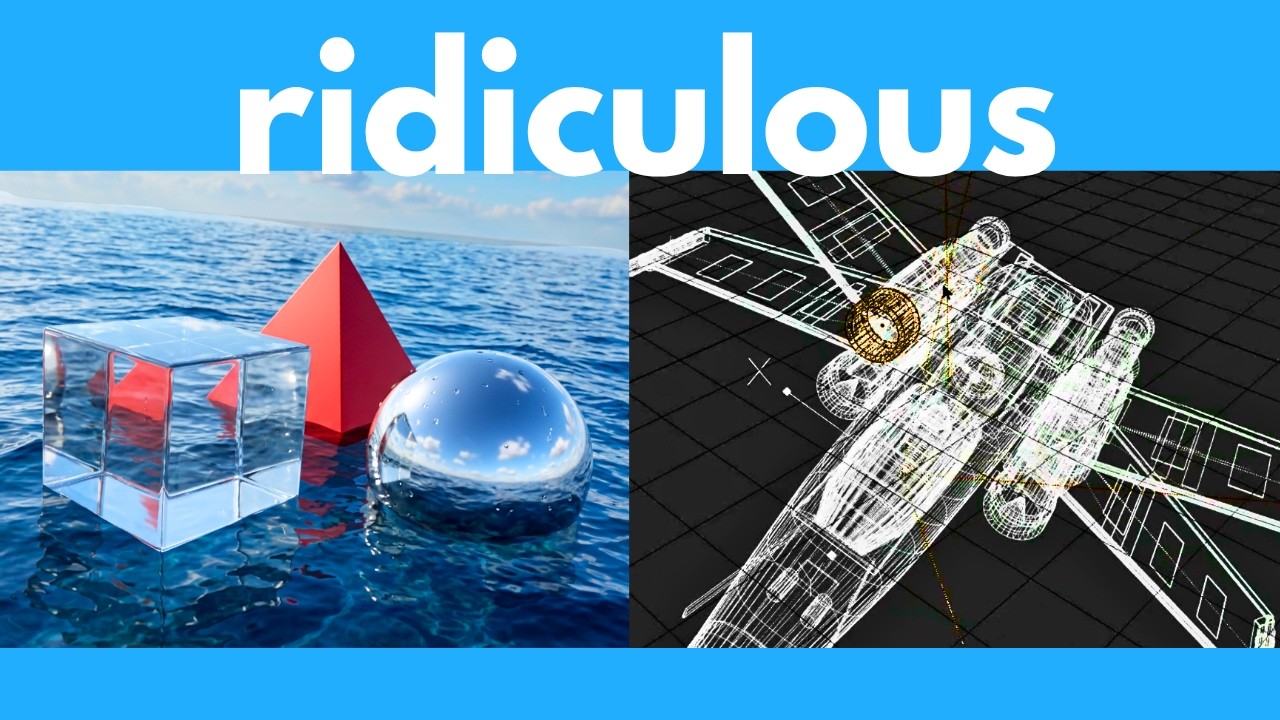
This video evaluates Claude Fable 5.1's agentic capabilities using the Claude Code harness across spatial reasoning, custom physics rendering, and 3D asset generation. The host demonstrates zero-library ray-tracing simulations and connects Claude directly to Blender via MCP to generate detailed 3D models.
Key takeaways from the creator
AI-extracted notes, not independently verified product claims. Timestamp links let you check each point in the original video.
- 00:48 ↗
Running agentic AI models inside command-line harnesses like Claude Code enables direct local file access and multi-agent task execution.
- 01:18 ↗
Claude Fable 5.1 can accurately parse 2D architectural floor plan images to programmatically generate textured 3D apartment interior layouts in Three.js.
- 03:42 ↗
The model can write raw HTML/JS code from scratch to execute ray tracing, ocean physics, and custom material lighting without relying on external 3D libraries.
- 07:38 ↗
Using Blender MCP, Claude Fable 5.1 can connect to local Blender ports to autonomously model and texture 3D assets such as spaceship props.
Workflow outlined in the video
- Install Claude Code CLI to act as a local harness for agentic tasks requiring direct file access and tool execution.
- Setup and launch a local Blender MCP server to bridge AI language models with Blender's Python API.
- Prompt Claude Fable 5.1 with reference images or technical floor plans to auto-generate textured 3D scene geometry.
- Fine-tune lighting, material roughness, reflectivity, and camera parameters programmatically before rendering final shots.
Before you use this workflow
These notes describe the source video at its publication date. Model access, pricing, connectors and interfaces may have changed. Check the original source and the provider’s current documentation before installing an add-on, connecting an account or spending credits.
ReelStack has not independently tested this workflow. Preview one representative shot and check motion, continuity and output quality before applying it to a full production. No result, cost saving or model capability is guaranteed.
Explore the tools
Put the lesson in context
When to use Blender previsualization for AI video →How to interpret the numbers
362,425 views captured 27 September 2026. ReelStack recommendation score: 52/100. Formula: radar-v5. This is ReelStack’s calculation, not a YouTube rating or a measure of factual accuracy.
Show the calculation
- 65% performance: 1.70× views vs 4 other channel videos observed at a similar age. View-evidence factor 100% (views / (views + 1,000))
- 25% freshness: 30/100 with a 14-day half-life
- Momentum pending: collecting daily snapshots; its 20% weight goes to observed performance, not free points
- 10% engagement: 34/100; likes + 4× comments, smoothed with a 500-view neutral prior