Cinematic AI Dialogue in Minutes: LTX Audio-to-Video (Full Workflow)
Audio-driven video generation represents a major shift from line-by-line prompting to direct performance control, streamlining multi-character dialogue scenes.
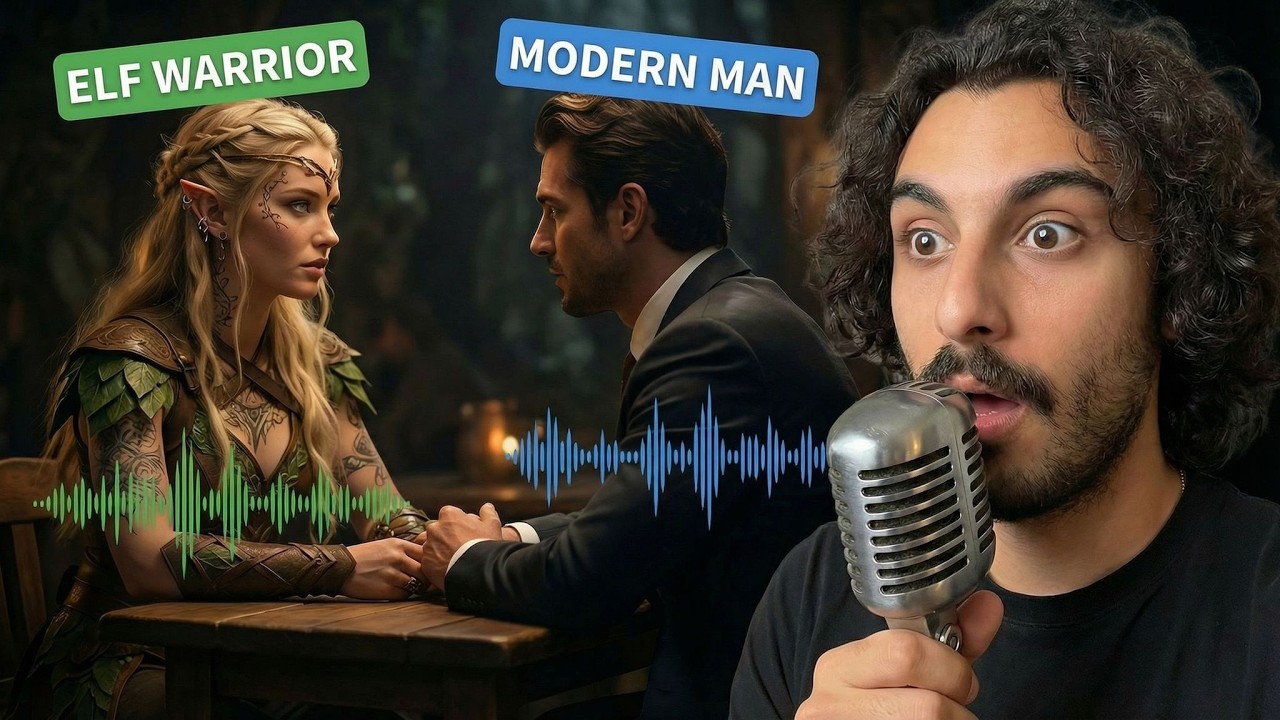
What this lesson covers
This tutorial explores LTX's audio-to-video workflow, demonstrating how uploaded dialogue tracks drive realistic scene generation and lip-syncing. It also covers combining LTX with Google Gemini Music (Lyria 3) to generate matching music videos.
Key takeaways from the creator
AI-extracted notes, not independently verified product claims. Timestamp links let you check each point in the original video.
- 0:34 ↗
LTX audio-to-video flips traditional workflows by letting the audio track drive the scene, automatically determining who speaks and generating appropriate motion and timing.
- 2:43 ↗
The elements feature in LTX supports up to 10 reference images from different angles to enhance character consistency.
- 4:52 ↗
Uploading a combined dialogue audio file allows the model to handle multi-character conversations sequentially based on the provided reference image and simple hints.
- 7:38 ↗
Google Gemini Music (Lyria 3) can be used to generate singing tracks that pair effectively with LTX audio-to-video workflows for music videos.
Workflow outlined in the video
- Create consistent characters using the elements feature by uploading multiple reference images from various angles.
- Generate base scenes and close-up shots using an image generator with referenced characters.
- Combine your dialogue lines into a single audio file and upload it alongside the starting reference image in LTX.
- Add optional text hints specifying speaker order to improve multi-character dialogue accuracy.
- Export your completed storyboard clips for further editing or pitch deck integration.
Before you use this workflow
These notes describe the source video at its publication date. Model access, pricing, connectors and interfaces may have changed. Check the original source and the provider’s current documentation before installing an add-on, connecting an account or spending credits.
ReelStack has not independently tested this workflow. Preview one representative shot and check motion, continuity and output quality before applying it to a full production. No result, cost saving or model capability is guaranteed.
How to interpret the numbers
5,626 views captured 22 October 2026. ReelStack recommendation score: 17/100. Formula: radar-v5. This is ReelStack’s calculation, not a YouTube rating or a measure of factual accuracy.
Show the calculation
- 65% performance: 0.24× views vs 3 other channel videos observed at a similar age. View-evidence factor 85% (views / (views + 1,000))
- 25% freshness: 0/100 with a 14-day half-life
- Momentum pending: collecting daily snapshots; its 20% weight goes to observed performance, not free points
- 10% engagement: 66/100; likes + 4× comments, smoothed with a 500-view neutral prior