Cancel Your AI Subscriptions (Here’s the Way Pros Do It)
As AI video models proliferate, a unified, cost‑controlled desktop studio that ensures character consistency across angles is essential for scalable filmmaking.
What this lesson covers
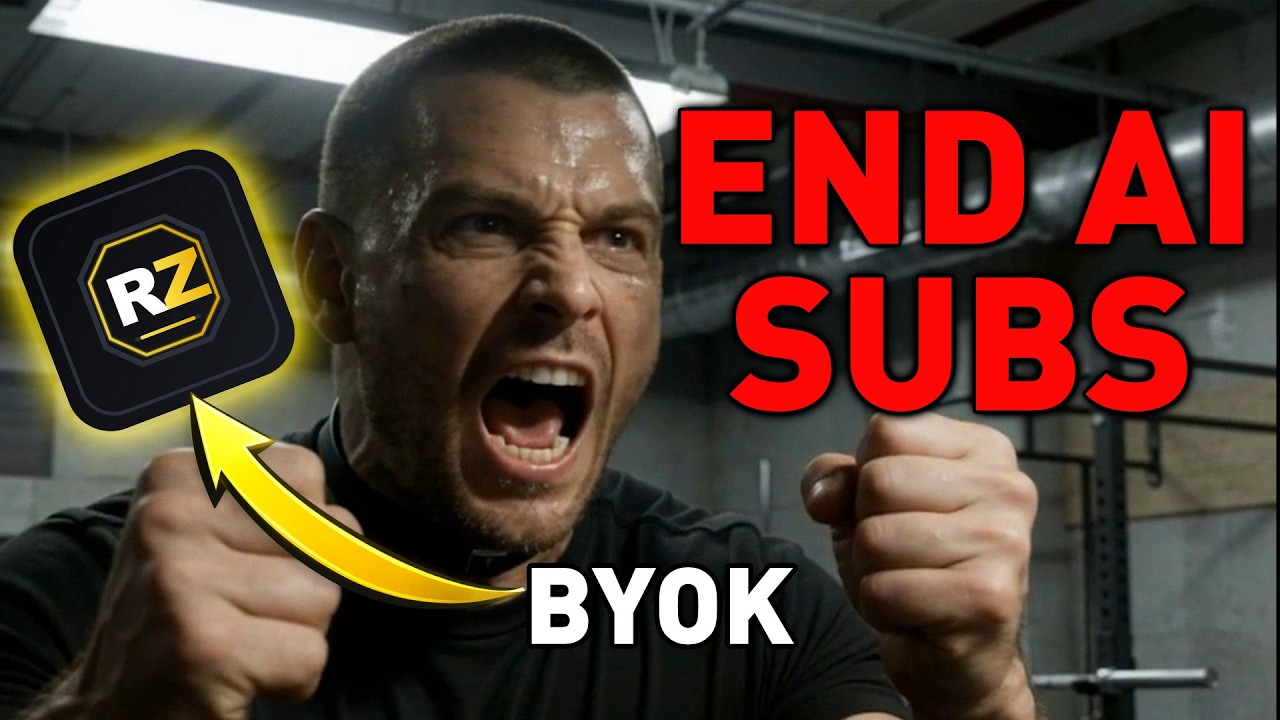
PromptGeek highlights RenderZero Studio v3’s BYOK‑driven workflow, emphasizing one‑click multi‑angle generation, image‑stitch for character consistency, and access to top AI video models like Kling 3.0 and LTX. He positions the tool as a subscription‑free studio for professional AI filmmakers.
Key takeaways from the creator
AI-extracted notes, not independently verified product claims. Timestamp links let you check each point in the original video.
- 00:10 ↗
One‑click multi‑angle generation streamlines creating consistent shots from a single prompt.
- 00:12 ↗
Image‑stitch feature boosts character consistency across generated frames.
- 01:01 ↗
Access premium video models such as Kling 3.0, Grok, and LTX directly within the app.
- 02:02 ↗
Install RenderZero Studio via Gumroad and activate BYOK with your own API keys.
- 02:41 ↗
The cinematic showcase demonstrates high‑quality, fully AI‑generated video without external subscriptions.
Workflow outlined in the video
- Download and install RenderZero Studio from the Gumroad link provided.
- Configure BYOK by adding your API keys for the desired providers.
- Use the image‑stitch tool to upload reference faces and ensure consistent characters.
- Select a top‑tier AI video model (e.g., Kling 3.0) for your project.
- Generate multi‑angle video clips with a single command.
- Export the final video assets and integrate them into your editing workflow.
Before you use this workflow
These notes describe the source video at its publication date. Model access, pricing, connectors and interfaces may have changed. Check the original source and the provider’s current documentation before installing an add-on, connecting an account or spending credits.
ReelStack has not independently tested this workflow. Preview one representative shot and check motion, continuity and output quality before applying it to a full production. No result, cost saving or model capability is guaranteed.
How to interpret the numbers
274,625 views captured 23 October 2026. ReelStack recommendation score: 60/100. Formula: radar-v5. This is ReelStack’s calculation, not a YouTube rating or a measure of factual accuracy.
Show the calculation
- 65% performance: 11.84× current views vs the channel's recent median; same-age history is not yet available. View-evidence factor 100% (views / (views + 1,000))
- 25% freshness: 0/100 with a 14-day half-life
- Momentum pending: collecting daily snapshots; its 20% weight goes to observed performance, not free points
- 10% engagement: 5/100; likes + 4× comments, smoothed with a 500-view neutral prior