Best FREE Video Editing Software for YouTube in 2026
Choosing the right free editing software helps creators avoid unexpected paywalls and quality caps as their production needs scale.
What this lesson covers
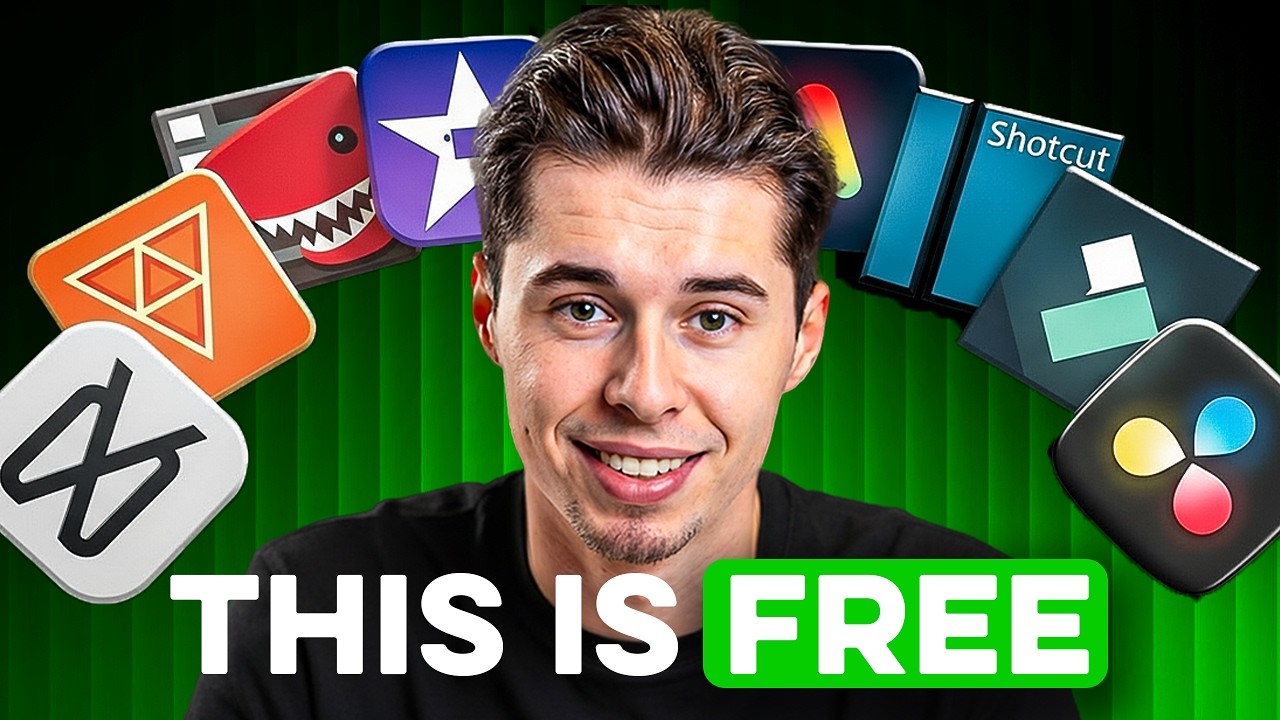
This video breaks down five free video editing software options suitable for YouTube in 2026, ranking them from worst to best. It evaluates each editor based on export quality, paywalls, features, and overall workflow friction.
Key takeaways from the creator
AI-extracted notes, not independently verified product claims. Timestamp links let you check each point in the original video.
- 0:29 ↗
CapCut provides fast editing and automated captions, but locks essential pro tools and export enhancements behind a monthly subscription.
- 1:44 ↗
Clipchamp is built directly into Windows 11 with simple cloud integration, but limits free exports to 1080p and requires a constant internet connection.
- 3:09 ↗
Kdenlive offers free 4K exports and automatic subtitle translation, though it introduces a steeper learning curve and occasional stability issues.
- 4:28 ↗
Shotcut grants unrestricted access to 4K exports, color grading, and AI captions from day one, though its interface requires manual layout adjustments.
- 5:41 ↗
DaVinci Resolve delivers a Hollywood-grade professional toolkit for free, supporting unlimited 4K exports and comprehensive audio and color suites without watermarks.
Workflow outlined in the video
- Audit your current editing workflow to identify any hidden paywalls, resolution caps, or export limits.
- Test Kdenlive or Shotcut if you need fully unlocked 4K video exports without paying for a subscription.
- Use DaVinci Resolve if you require advanced color grading, precise audio mixing, and professional timeline control.
- Consider CapCut or Clipchamp only if your production relies on fast social media clips and basic automated captions.
Before you use this workflow
These notes describe the source video at its publication date. Model access, pricing, connectors and interfaces may have changed. Check the original source and the provider’s current documentation before installing an add-on, connecting an account or spending credits.
ReelStack has not independently tested this workflow. Preview one representative shot and check motion, continuity and output quality before applying it to a full production. No result, cost saving or model capability is guaranteed.
Explore the tools
How to interpret the numbers
196,142 views captured 25 October 2026. ReelStack recommendation score: 56/100. Formula: radar-v5. This is ReelStack’s calculation, not a YouTube rating or a measure of factual accuracy.
Show the calculation
- 45% performance: 4.56× views vs 11 other channel videos observed at a similar age. View-evidence factor 99% (views / (views + 1,000))
- 25% freshness: 0/100 with a 14-day half-life
- 20% momentum: 1502 views/day vs 16 channel baseline (8 comparable uploads), with the same view-evidence factor
- 10% engagement: 1/100; likes + 4× comments, smoothed with a 500-view neutral prior