Best AI Video Generator for 4K Videos in 2026 (Full Test)
Understanding how different video models handle 4K generation, start frames, and visual references helps filmmakers optimize credit usage and achieve higher fidelity results.
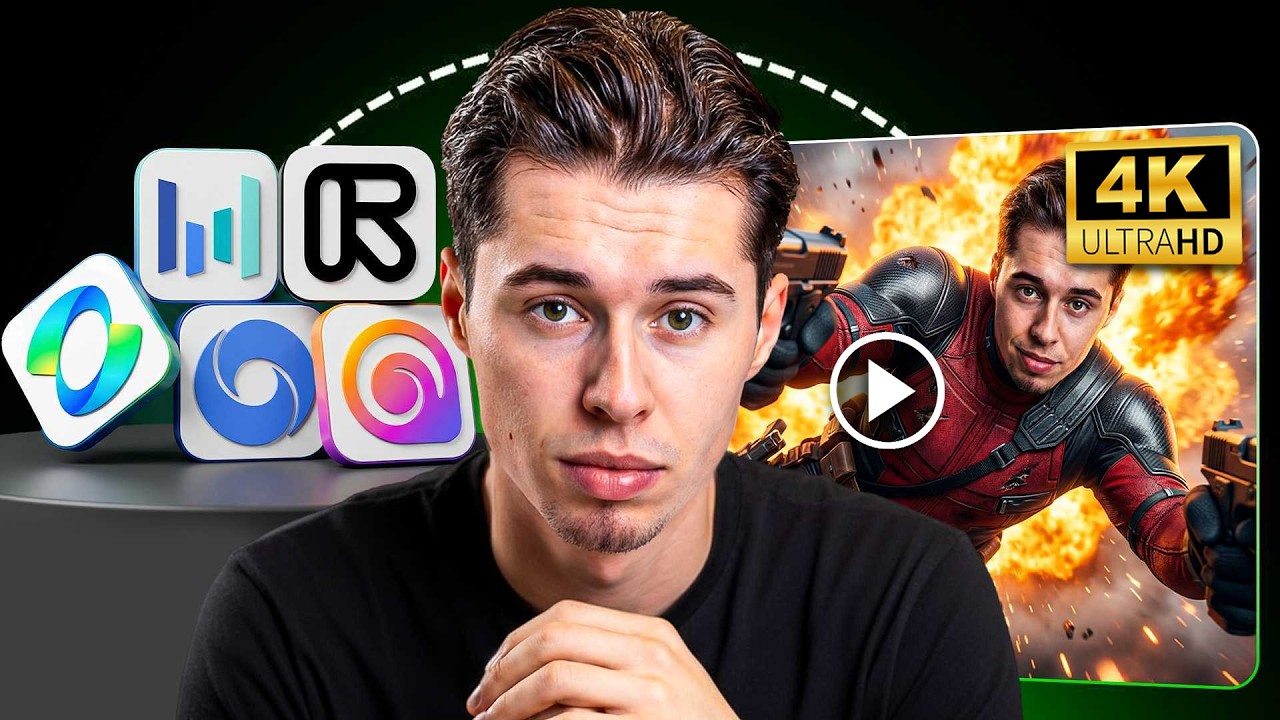
What this lesson covers
The creator tests and compares top AI video models like Veo 3.1, LTX-2.3, and Kling 3.0 within OpenArt for generating 4K cinematic video content. The tutorial explores text-to-video, start frame, and multi-image reference workflows, while noting the limitations of native 4K resolutions and demonstrating cost-effective alternative methods.
Key takeaways from the creator
AI-extracted notes, not independently verified product claims. Timestamp links let you check each point in the original video.
- 00:20 ↗
OpenArt hosts multiple video generation models capable of producing 4K output and supports text-to-video, start frame, and reference image workflows.
- 00:53 ↗
Google Veo 3.1 delivers sharp details and clean motion in 4K text-to-video generation, though certain elements like water particles can appear unrealistic.
- 01:59 ↗
LTX-2.3 produces defined muscle structures and incorporates dynamic slow-motion shifts from high-intensity action sequences.
- 02:52 ↗
Kling 3.0 automatically introduces multi-angle camera shot variations within a single generation rather than staying locked to one perspective.
- 06:36 ↗
LTX-2.3 and Kling 3.0 currently lack multi-image reference features for combining character sheets and asset references simultaneously.
Workflow outlined in the video
- Use multi-image reference features (such as character sheets and object references) to maintain visual consistency across AI video generations.
- Compare text-to-video versus start frame workflows to see how effectively models anchor their motion to your initial visual assets.
- Leverage lower-cost model generations combined with targeted upscaling methods to achieve 4K cinematic results without burning excessive credits.
Before you use this workflow
These notes describe the source video at its publication date. Model access, pricing, connectors and interfaces may have changed. Check the original source and the provider’s current documentation before installing an add-on, connecting an account or spending credits.
ReelStack has not independently tested this workflow. Preview one representative shot and check motion, continuity and output quality before applying it to a full production. No result, cost saving or model capability is guaranteed.
How to interpret the numbers
37,378 views captured 25 October 2026. ReelStack recommendation score: 24/100. Formula: radar-v5. This is ReelStack’s calculation, not a YouTube rating or a measure of factual accuracy.
Show the calculation
- 45% performance: 0.87× views vs 13 other channel videos observed at a similar age. View-evidence factor 97% (views / (views + 1,000))
- 25% freshness: 0/100 with a 14-day half-life
- 20% momentum: 63 views/day vs 330 channel baseline (8 comparable uploads), with the same view-evidence factor
- 10% engagement: 3/100; likes + 4× comments, smoothed with a 500-view neutral prior