Best AI Tools for Graphic Design in 2026 (Full Ranking)
Comparing flagship image models side-by-side using unified frameworks helps designers and AI filmmakers select the best tool for high-end promotional graphics and brand consistency.
What this lesson covers
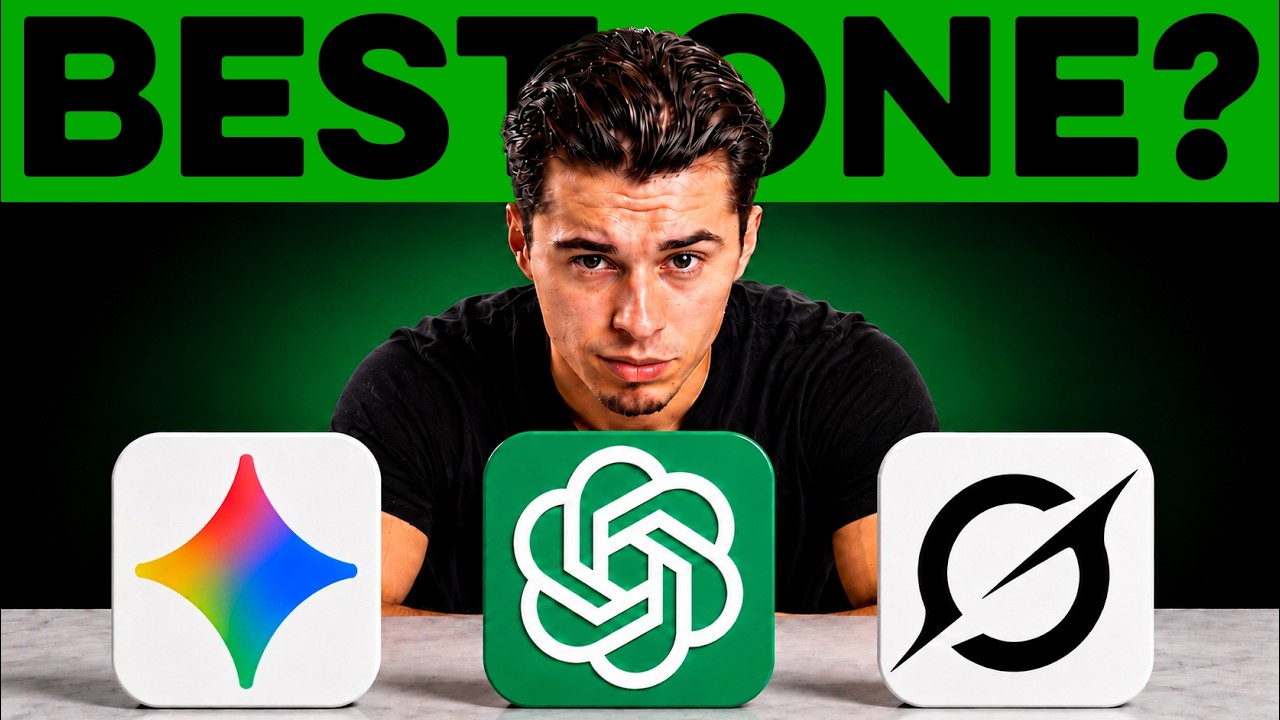
Youri van Hofwegen tests and compares three leading AI image models—GPT Image 2, Nano Banana 2, and Grok Imagine—inside OpenArt by creating a multi-slide Instagram carousel for a coffee brand. He evaluates each model across rendering quality, text accuracy, layout design, and prompt framework adherence.
Key takeaways from the creator
AI-extracted notes, not independently verified product claims. Timestamp links let you check each point in the original video.
- 0:46 ↗
Testing multiple image models effectively requires using a universal prompt and a consistent reference image across all platforms.
- 2:22 ↗
GPT Image 2 renders fine details and complex embedded text, such as nutritional info on product bottles, with high accuracy.
- 3:54 ↗
Structuring image prompts by defining slide type, visual components, mood, and color palette ensures consistent branded design output across multiple generations.
Workflow outlined in the video
- Access an aggregated platform like OpenArt to compare multiple image models using identical reference inputs.
- Establish a consistent prompt framework that explicitly outlines slide purpose, visual elements, mood, and color palette.
- Generate and test multiple model outputs side-by-side to evaluate text rendering, layout balance, and overall aesthetic premium feel.
Before you use this workflow
These notes describe the source video at its publication date. Model access, pricing, connectors and interfaces may have changed. Check the original source and the provider’s current documentation before installing an add-on, connecting an account or spending credits.
ReelStack has not independently tested this workflow. Preview one representative shot and check motion, continuity and output quality before applying it to a full production. No result, cost saving or model capability is guaranteed.
Explore the tools
How to interpret the numbers
78,189 views captured 25 October 2026. ReelStack recommendation score: 27/100. Formula: radar-v5. This is ReelStack’s calculation, not a YouTube rating or a measure of factual accuracy.
Show the calculation
- 45% performance: 0.74× views vs 11 other channel videos observed at a similar age. View-evidence factor 99% (views / (views + 1,000))
- 25% freshness: 0/100 with a 14-day half-life
- 20% momentum: 433 views/day vs 606 channel baseline (7 comparable uploads), with the same view-evidence factor
- 10% engagement: 1/100; likes + 4× comments, smoothed with a 500-view neutral prior