AI Video Prompting 101: Every Trigger Word Explained (Free Cheat Sheet)
Mastering real-world camera terminology and shot psychology is essential for AI filmmakers seeking to move past generic, repetitive aesthetic outputs.
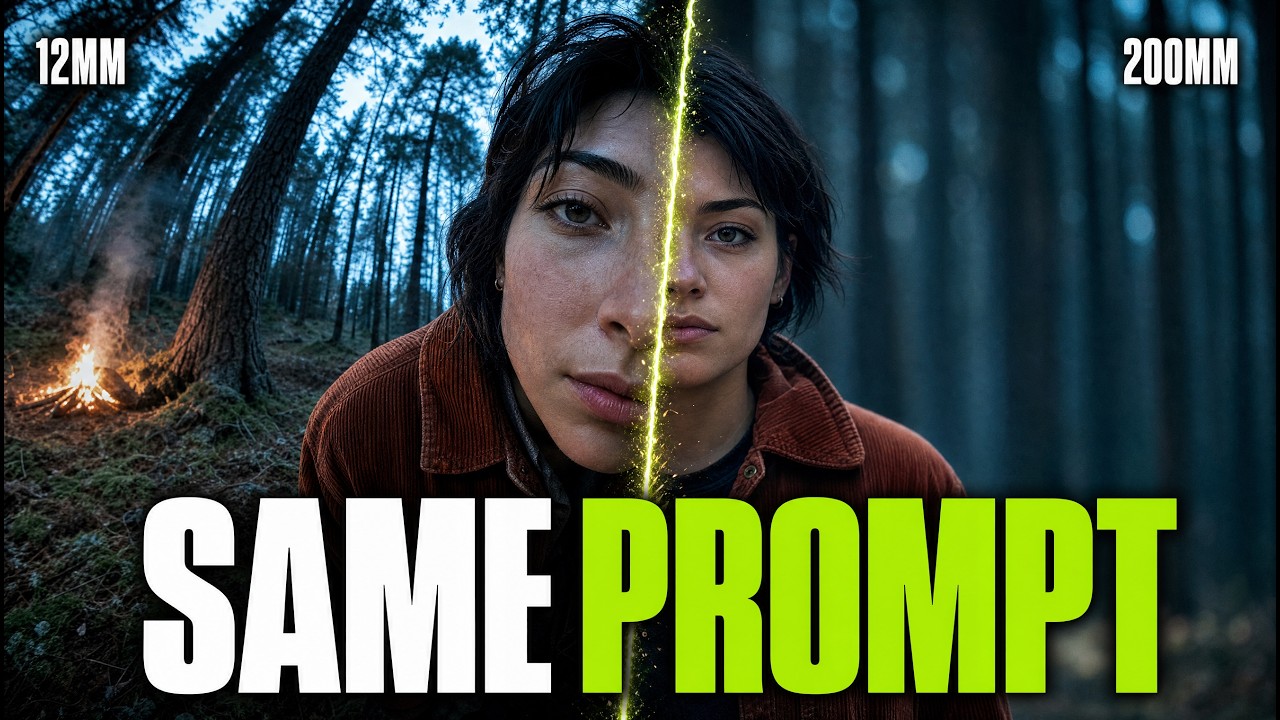
What this lesson covers
FRMWRKD-EXPLAINED breaks down technical prompt trigger words—such as focal lengths, camera lenses, and lighting styles—and explains how cinematic intention shapes effective AI video prompts. He demonstrates how newer AI models like Seedance 2.5 facilitate generating full 15-to-30-second scene sequences rather than simple shot-by-shot start frames.
Key takeaways from the creator
AI-extracted notes, not independently verified product claims. Timestamp links let you check each point in the original video.
- 02:02 ↗
Advanced video generators like Seedance 2.5 shift AI production from single-frame clips to rendering entire 15-to-30-second scene sequences.
- 02:35 ↗
Learning technical cinematography terms for lenses and lighting enables faster, more precise prompt execution than trial-and-error guessing.
- 04:29 ↗
Clear creative intention and narrative rationale behind camera choices distinguish distinct AI storytelling from repetitive default aesthetic outputs.
- 06:24 ↗
Wide focal lengths (14–21mm) keep the camera physically close to actors while preserving environmental context, contrasting with telephoto lenses that compress and isolate subjects.
Workflow outlined in the video
- Replace generic buzzwords like 'cinematic' with precise parameters for lens length, camera body, and light sources in prompt structures.
- Determine the emotional intention of each scene prior to prompting to select appropriate focal lengths and camera distances.
- Transition shot-by-shot generation workflows toward multi-beat sequence prompts when working with longer-context video models.
- Create structured reference sheets detailing set design, wardrobe, and lighting to feed into LLM prompt assistants.
Before you use this workflow
These notes describe the source video at its publication date. Model access, pricing, connectors and interfaces may have changed. Check the original source and the provider’s current documentation before installing an add-on, connecting an account or spending credits.
ReelStack has not independently tested this workflow. Preview one representative shot and check motion, continuity and output quality before applying it to a full production. No result, cost saving or model capability is guaranteed.
Explore the tools
How to interpret the numbers
1,635 views captured 27 September 2026. ReelStack recommendation score: 18/100. Formula: radar-v5. This is ReelStack’s calculation, not a YouTube rating or a measure of factual accuracy.
Show the calculation
- 65% performance: 0.10× current views vs the channel's recent median; same-age history is not yet available. View-evidence factor 62% (views / (views + 1,000))
- 25% freshness: 19/100 with a 14-day half-life
- Momentum pending: collecting daily snapshots; its 20% weight goes to observed performance, not free points
- 10% engagement: 100/100; likes + 4× comments, smoothed with a 500-view neutral prior