AI Can Now Fake Any Moment in History (This Should Be Illegal)
Historical recreation channels represent a rapidly growing niche in AI filmmaking, showing creators how to leverage image-to-video generators and reference artwork to produce immersive visual storytelling.
What this lesson covers
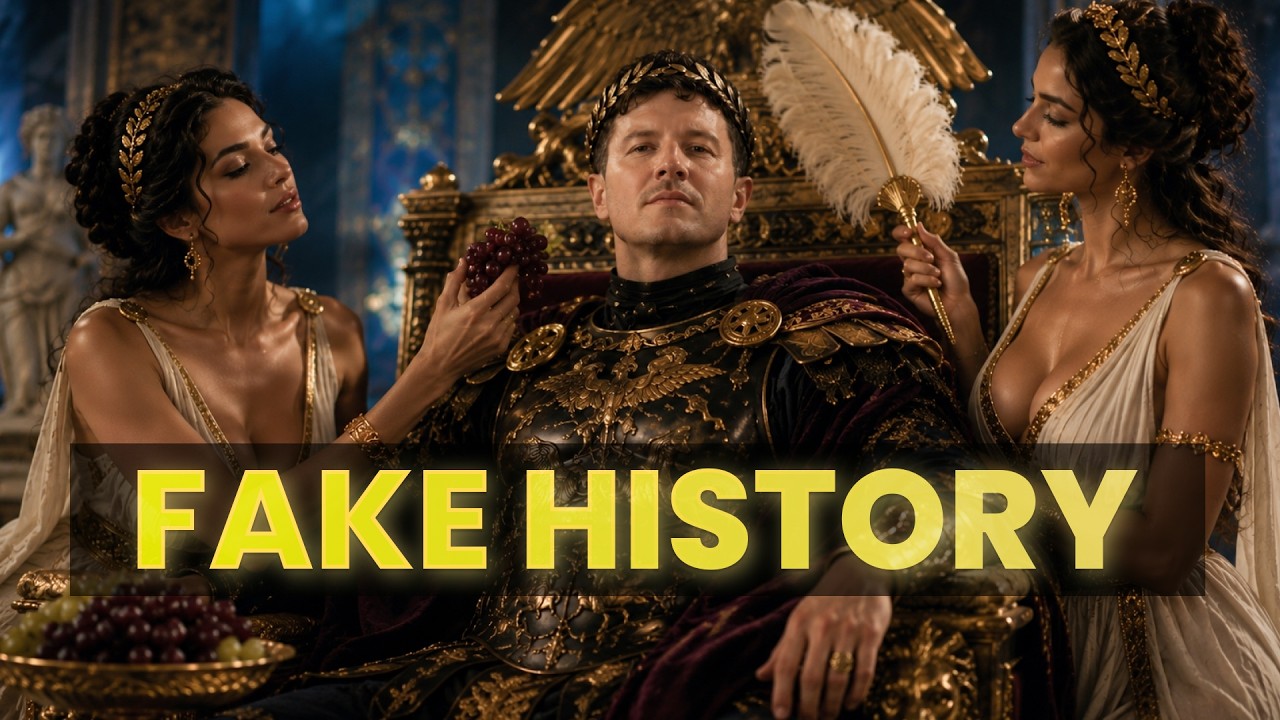
AI Samson explores how AI video generation tools are being utilized to recreate historical battles, ancient civilizations, and archive photographs. The video demonstrates workflow techniques for transforming static historical engravings into animated 3D visual scenes and colorizing archival portraits.
Key takeaways from the creator
AI-extracted notes, not independently verified product claims. Timestamp links let you check each point in the original video.
- 00:00 ↗
AI video tools can recreate historical events and produce flythroughs of ancient battlefields with visual scale that previously required film studios.
- 02:34 ↗
Short-form historical POV content depicting daily life in ancient eras can attract massive audiences on TikTok and YouTube.
- 05:18 ↗
Inputting historical engravings into AI image generators allows creators to synthesize photorealistic renders while preserving original compositions.
- 06:14 ↗
Colorizing and animating archival historical photographs with AI provides realistic fluid motion to historical portrait subjects.
Workflow outlined in the video
- Select a high-resolution historical reference image or engraving from a public archive.
- Input the reference drawing into an AI image generator with detailed prompts specifying lighting, atmosphere, and historical accuracy while preserving composition.
- Import the generated image into an image-to-video platform like Higgsfield to generate realistic subtle camera motion and atmospheric effects.
- Apply colorization and facial animation models to archival black-and-white portraits to bring historical figures into motion.
Before you use this workflow
These notes describe the source video at its publication date. Model access, pricing, connectors and interfaces may have changed. Check the original source and the provider’s current documentation before installing an add-on, connecting an account or spending credits.
ReelStack has not independently tested this workflow. Preview one representative shot and check motion, continuity and output quality before applying it to a full production. No result, cost saving or model capability is guaranteed.
Explore the tools
How to interpret the numbers
6,931 views captured 24 October 2026. ReelStack recommendation score: 24/100. Formula: radar-v5. This is ReelStack’s calculation, not a YouTube rating or a measure of factual accuracy.
Show the calculation
- 45% performance: 0.22× views vs 5 other channel videos observed at a similar age. View-evidence factor 87% (views / (views + 1,000))
- 25% freshness: 0/100 with a 14-day half-life
- 20% momentum: 3 views/day vs 5 channel baseline (5 comparable uploads), with the same view-evidence factor
- 10% engagement: 100/100; likes + 4× comments, smoothed with a 500-view neutral prior