AI Bose-Style Commercial (Seedance 2.0 + Claude Code)
Understanding underlying prompt fragments and look control is essential for transforming generic AI video outputs into truly cinematic commercials.
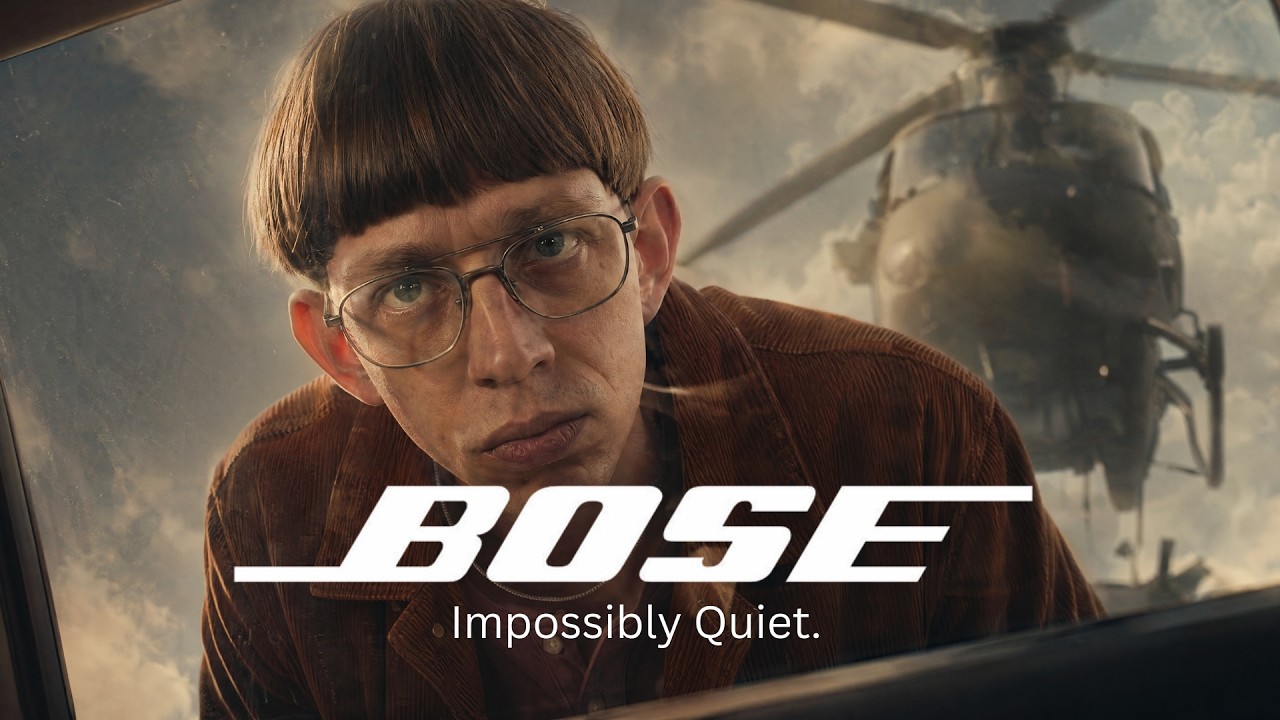
What this lesson covers
This video breaks down the creation of a cinematic AI spec ad using Seedance 2.0 and Claude Code for prompt organization. The creator examines the foundational importance of look definition, camera/lens pairings, and color grading in overcoming generic AI visuals.
Key takeaways from the creator
AI-extracted notes, not independently verified product claims. Timestamp links let you check each point in the original video.
- 02:13 ↗
Claude Code and dedicated project folders can be used to store raw ideas and organize context, preventing the AI from losing track during script and prompt iteration.
- 04:19 ↗
Establishing character, location, and visual look consistency are the three hardest hurdles in AI filmmaking, but unlock fast story generation once solved.
- 06:29 ↗
Platform look controls like camera, lens, angle, and lighting settings automatically inject hidden prompt fragments under the hood.
- 08:15 ↗
Manually writing prompts that contradict baked-in camera or lens fragments (such as swirly bokeh) will confuse the model and degrade output quality.
Workflow outlined in the video
- Set up an organized project folder structure using Claude Code or Obsidian to maintain context for your AI prompts and script ideas.
- Define your project's visual look, character, and location consistency before generating individual story shots.
- Examine how platform-specific camera and lens options construct hidden prompt fragments to avoid conflicting instructions.
- Apply color grading and sound design in post-production software to elevate raw AI video generation into a polished spec ad.
Before you use this workflow
These notes describe the source video at its publication date. Model access, pricing, connectors and interfaces may have changed. Check the original source and the provider’s current documentation before installing an add-on, connecting an account or spending credits.
ReelStack has not independently tested this workflow. Preview one representative shot and check motion, continuity and output quality before applying it to a full production. No result, cost saving or model capability is guaranteed.
Explore the tools
How to interpret the numbers
4,359 views captured 24 October 2026. ReelStack recommendation score: 43/100. Formula: radar-v5. This is ReelStack’s calculation, not a YouTube rating or a measure of factual accuracy.
Show the calculation
- 65% performance: 1.65× views vs 4 other channel videos observed at a similar age. View-evidence factor 81% (views / (views + 1,000))
- 25% freshness: 0/100 with a 14-day half-life
- Momentum pending: collecting daily snapshots; its 20% weight goes to observed performance, not free points
- 10% engagement: 100/100; likes + 4× comments, smoothed with a 500-view neutral prior