8 Genius Ways to Use First Frame & Last Frame in Your AI Videos
First-frame and last-frame control has evolved from a basic novelty into a reliable production technique for high-end visual effects and controlled camera motion without traditional 3D software.
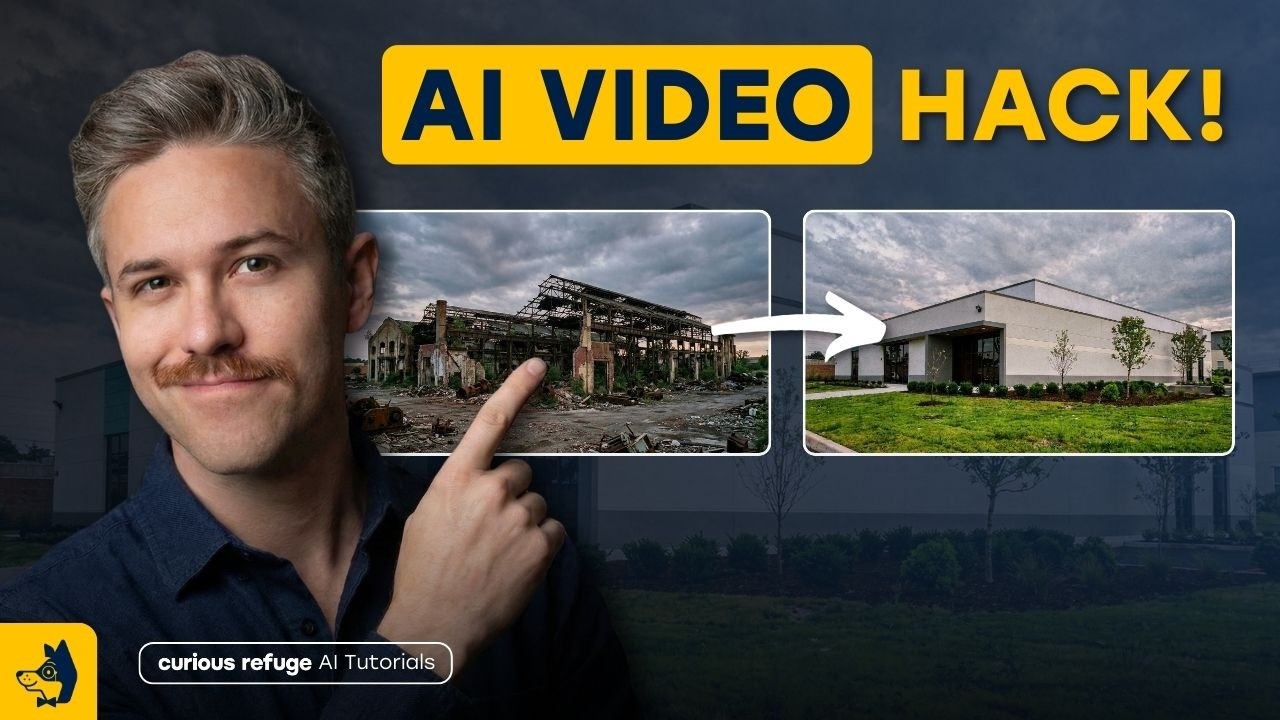
What this lesson covers
This video explores creative use cases for first-frame and last-frame generation in AI video tools. It demonstrates workflows using aggregators like Freepick alongside top models like Google Veo and Kling to achieve complex visual effects and product shots.
Key takeaways from the creator
AI-extracted notes, not independently verified product claims. Timestamp links let you check each point in the original video.
- 00:15 ↗
First-frame and last-frame prompting allows artists to specify precise starting and ending states for AI video generation, improving reliability across models.
- 01:25 ↗
Kling and Google Veo are highlighted as leading platforms for executing accurate first and last frame animations, with Veo offering strong built-in lip-syncing capabilities.
- 02:15 ↗
Video aggregators like Freepick allow creators to test and compare multiple AI video models side-by-side using the same start and end frames.
- 04:02 ↗
The CCR prompt format (Camera, Character, Rig) helps structure inputs effectively when guiding frame-to-frame video generations.
- 06:02 ↗
First and last frame interpolation can bypass heavy 3D workflows and traditional software like Houdini or Blender for specific visual effects and product shots.
Workflow outlined in the video
- Select an AI video aggregator or supported tool that features first and last frame image inputs.
- Prepare a clear starting image and an ending image that defines the desired transformation or motion.
- Structure your prompt using the camera, character, and rig (CCR) format to define the scene parameters.
- Generate the video across multiple models to compare motion consistency and pick the best output.
- Export the generated clip into a video upscaler or editing suite to refine high-frequency details and remove hypersharpening.
Before you use this workflow
These notes describe the source video at its publication date. Model access, pricing, connectors and interfaces may have changed. Check the original source and the provider’s current documentation before installing an add-on, connecting an account or spending credits.
ReelStack has not independently tested this workflow. Preview one representative shot and check motion, continuity and output quality before applying it to a full production. No result, cost saving or model capability is guaranteed.
How to interpret the numbers
33,287 views captured 23 October 2026. ReelStack recommendation score: 46/100. Formula: radar-v5. This is ReelStack’s calculation, not a YouTube rating or a measure of factual accuracy.
Show the calculation
- 45% performance: 1.66× views vs 7 other channel videos observed at a similar age. View-evidence factor 97% (views / (views + 1,000))
- 25% freshness: 0/100 with a 14-day half-life
- 20% momentum: 41 views/day vs 21 channel baseline (7 comparable uploads), with the same view-evidence factor
- 10% engagement: 59/100; likes + 4× comments, smoothed with a 500-view neutral prior