50+ Lighting Prompts for SORA 2 that actually work
As Sora 2 adoption grows, understanding precise lighting prompt engineering is essential for moving beyond default AI aesthetics to achieve professional cinematic results.
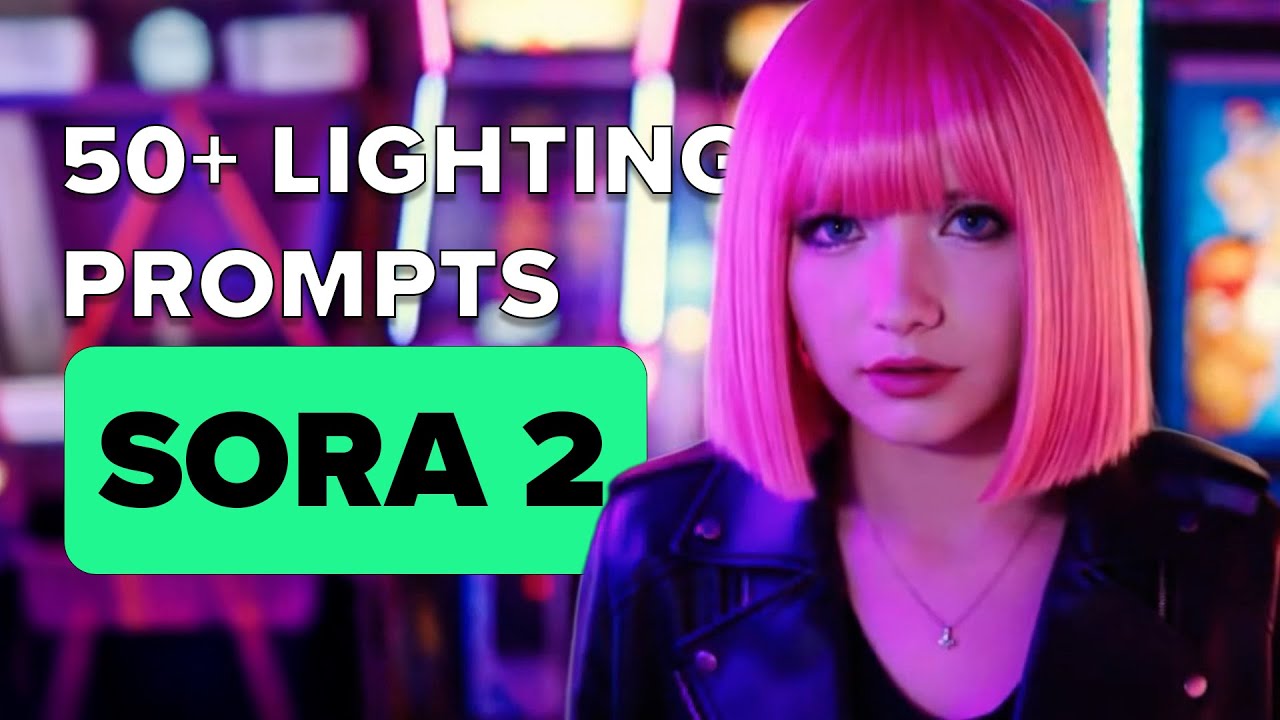
What this lesson covers
PromptGeek tests and categorizes 54 different lighting prompts for Sora 2, separating them into studio core, environmental, and cinematic setups. The video demonstrates how specific lighting terminology transforms basic AI generations into cinematic, realistic footage.
Key takeaways from the creator
AI-extracted notes, not independently verified product claims. Timestamp links let you check each point in the original video.
- 01:05 ↗
Three-point lighting in Sora 2 utilizes a strong key light, soft fill, and edge glow against a backdrop for clean separation.
- 01:34 ↗
RGB lighting applies color gels to generate stylized cinematic color palettes within the prompt framework.
- 02:22 ↗
Gobo lighting projects patterns like blinds or leaves into the scene to add physical texture and environmental realism.
- 03:53 ↗
Practical lighting specifies visible light sources in the scene, such as a glowing desk lamp, to naturally spill warm light across a subject's face.
Workflow outlined in the video
- Test studio core lighting prompts like three-point, back lighting, and high-key lighting to control contrast.
- Incorporate environmental lighting prompts such as golden hour, neon rain, or practical sources to ground the scene.
- Apply cinematic lighting descriptors like film noir, moody shadows, or volumetric rays to enhance emotional tone.
- Combine specific lighting styles with subjects to elevate overall visual quality and avoid flat AI generation.
Before you use this workflow
These notes describe the source video at its publication date. Model access, pricing, connectors and interfaces may have changed. Check the original source and the provider’s current documentation before installing an add-on, connecting an account or spending credits.
ReelStack has not independently tested this workflow. Preview one representative shot and check motion, continuity and output quality before applying it to a full production. No result, cost saving or model capability is guaranteed.
How to interpret the numbers
915 views captured 23 October 2026. ReelStack recommendation score: 11/100. Formula: radar-v5. This is ReelStack’s calculation, not a YouTube rating or a measure of factual accuracy.
Show the calculation
- 65% performance: 0.04× current views vs the channel's recent median; same-age history is not yet available. View-evidence factor 48% (views / (views + 1,000))
- 25% freshness: 0/100 with a 14-day half-life
- Momentum pending: collecting daily snapshots; its 20% weight goes to observed performance, not free points
- 10% engagement: 98/100; likes + 4× comments, smoothed with a 500-view neutral prior