This Is The Cheapest AI Video Model I've Ever Tested ($0.08/Second)
For AI filmmakers, this video showcases a high-parameter model that balances long-form generation (30 seconds) with low cost, specifically highlighting its utility in maintaining character consistency via video references.
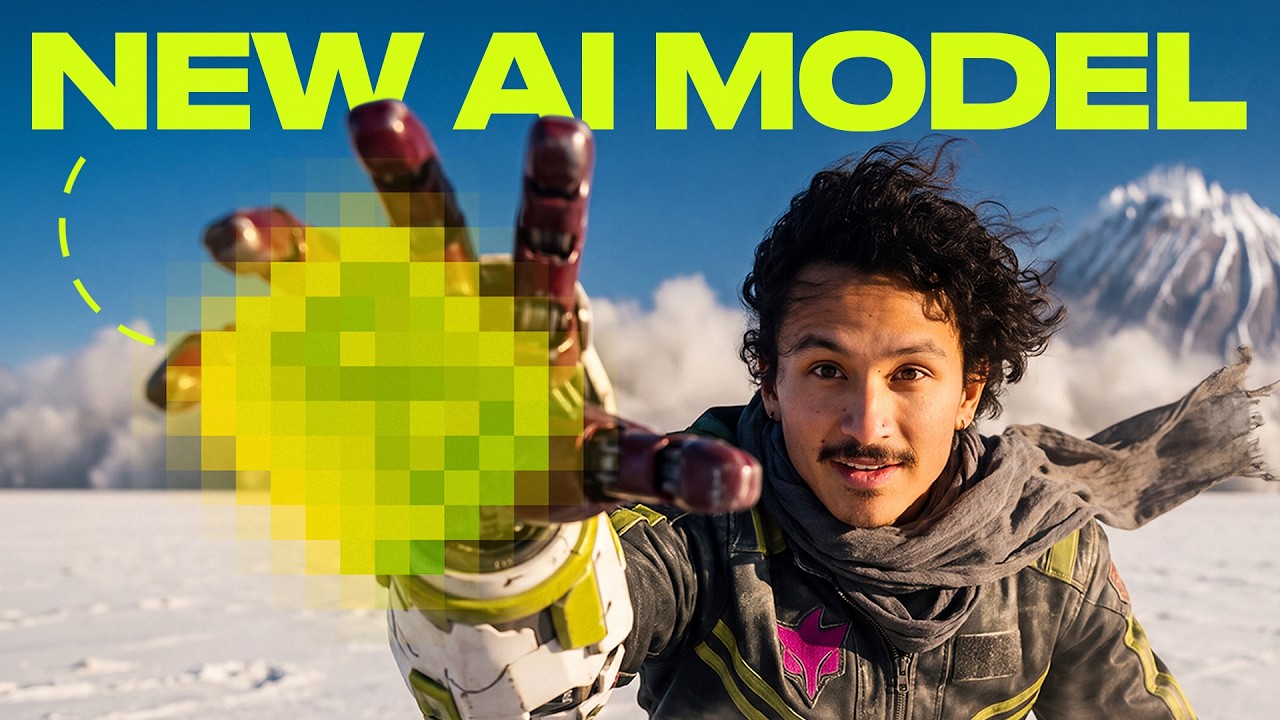
What this lesson covers
This video introduces MAGI-2, a 400-billion parameter AI video model available on the Higgsfield platform that generates up to 30 seconds of 1080p video with sound. The creator demonstrates the model's performance across various styles, including anime, 3D animation, and product advertising, while highlighting its cost-efficiency and support for video-to-video workflows.
Key takeaways from the creator
AI-extracted notes, not independently verified product claims. Timestamp links let you check each point in the original video.
- 00:44 ↗
MAGI-2 is a 400-billion parameter model capable of generating 1080p video with native sound for $0.08 per second.
- 00:58 ↗
The model accepts text, images, and video as inputs, allowing for high-fidelity transformations of rough pre-visualizations.
- 02:40 ↗
MAGI-2 can generate continuous one-take shots up to 30 seconds long without losing character or background stability.
- 03:58 ↗
Users can fix spelling errors in AI-generated video by using Claude to write scripts that paint over and replace specific letters frame-by-frame.
- 04:50 ↗
Character consistency is maintained by providing a video turnaround of a character as an input reference rather than a static image.
- 07:07 ↗
Rough Blender pre-visualizations can be used as video inputs to guide the model's composition and motion for final cinematic shots.
Workflow outlined in the video
- Access the MAGI-2 model through the Higgsfield website or API.
- Select the input type (text, image, or video) based on the desired level of control over the output.
- Upload a video turnaround or reference clip to ensure character consistency across multiple shots.
- Input a rough 3D pre-visualization from software like Blender to dictate specific camera moves and scene layout.
- Generate the video, utilizing the model's ability to produce up to 30 seconds of footage in a single pass.
- If text errors occur, use an LLM like Claude to generate a script for frame-by-frame correction to avoid wasting credits on regenerations.
Before you use this workflow
These notes describe the source video at its publication date. Model access, pricing, connectors and interfaces may have changed. Check the original source and the provider’s current documentation before installing an add-on, connecting an account or spending credits.
ReelStack has not independently tested this workflow. Preview one representative shot and check motion, continuity and output quality before applying it to a full production. No result, cost saving or model capability is guaranteed.
Explore the tools
How to interpret the numbers
154,600 views captured 28 November 2026. ReelStack recommendation score: 61/100. Formula: radar-v5. This is ReelStack’s calculation, not a YouTube rating or a measure of factual accuracy.
Show the calculation
- 45% performance: 1.56× views vs 23 other channel videos observed at a similar age. View-evidence factor 99% (views / (views + 1,000))
- 25% freshness: 88/100 with a 14-day half-life
- 20% momentum: 21449 views/day vs 22695 channel baseline (23 comparable uploads), with the same view-evidence factor
- 10% engagement: 25/100; likes + 4× comments, smoothed with a 500-view neutral prior