How To Make VIRAL Animated Shorts Using Claude Code (Full Workflow)
Demonstrates how to combine Claude with Higgsfield MCP to automate topic research, scriptwriting, and multi-style animation for faceless YouTube Shorts.
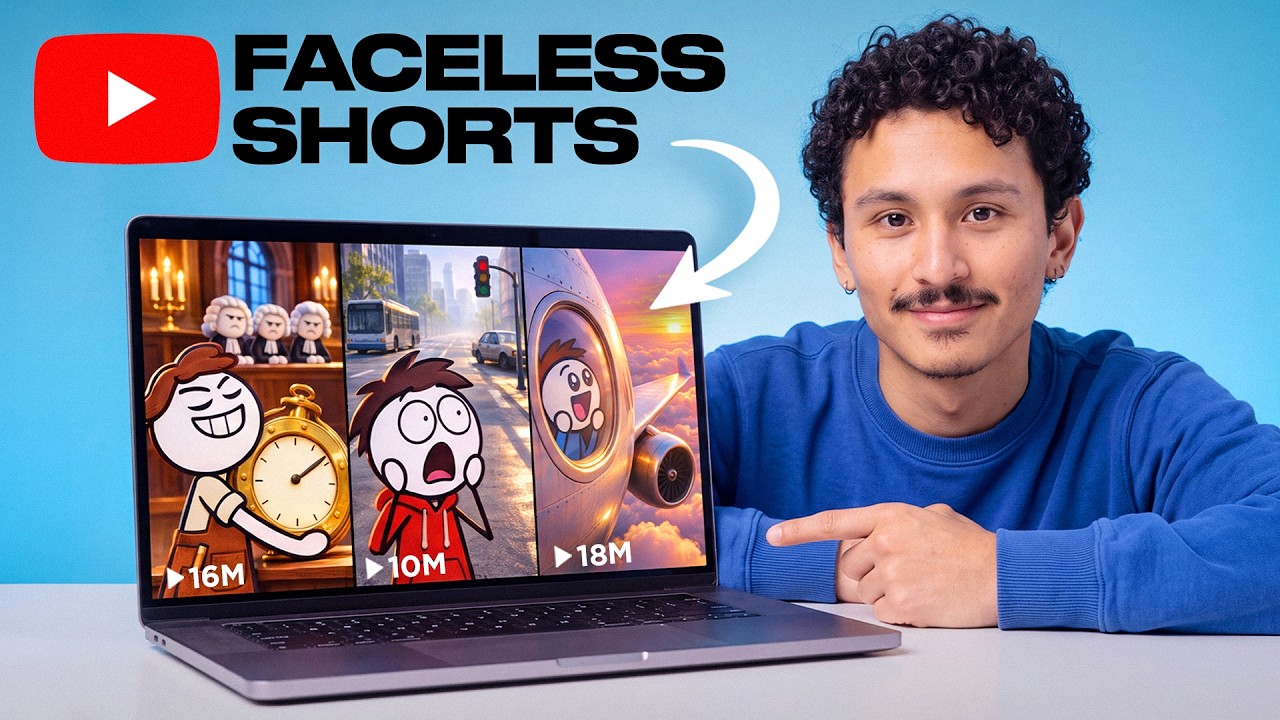
What this lesson covers
The video presents a step-by-step workflow for creating automated faceless animated YouTube Shorts using Claude and Higgsfield MCP. It covers topic selection, script structure, niche monetization strategies, and scene generation across different visual styles.
Key takeaways from the creator
AI-extracted notes, not independently verified product claims. Timestamp links let you check each point in the original video.
- 00:19 ↗
Using Claude with a vidIQ connector allows creators to analyze channel metrics and identify profitable faceless video niches.
- 01:23 ↗
3D animation, 8-bit animation, and 2D characters set inside 3D environments are three top-performing visual styles for faceless Shorts.
- 01:44 ↗
Science, everyday mechanics ('how things work'), and history serve as evergreen topics that generate sustained views over time.
- 03:48 ↗
Custom Claude skills can generate 61-second scripts complete with visual style cues and engagement hooks.
Workflow outlined in the video
- Connect vidIQ with Claude to analyze channel statistics and research prospective video topics.
- Select a proven visual style such as 2D stickmen in 3D worlds, 8-bit pixel art, or full 3D.
- Focus script ideas on evergreen topics like history, science experiments, or explaining how everyday objects work.
- Attach specialized Claude skills to generate tailored 61-second scripts designed with visual hooks.
- Integrate Higgsfield MCP within Claude to generate background assets and animations without external 3D software.
Before you use this workflow
These notes describe the source video at its publication date. Model access, pricing, connectors and interfaces may have changed. Check the original source and the provider’s current documentation before installing an add-on, connecting an account or spending credits.
ReelStack has not independently tested this workflow. Preview one representative shot and check motion, continuity and output quality before applying it to a full production. No result, cost saving or model capability is guaranteed.
Explore the tools
How to interpret the numbers
64,546 views captured 28 November 2026. ReelStack recommendation score: 67/100. Formula: radar-v5. This is ReelStack’s calculation, not a YouTube rating or a measure of factual accuracy.
Show the calculation
- 65% performance: 1.52× views vs 23 other channel videos observed at a similar age. View-evidence factor 98% (views / (views + 1,000))
- 25% freshness: 96/100 with a 14-day half-life
- Momentum pending: collecting daily snapshots; its 20% weight goes to observed performance, not free points
- 10% engagement: 41/100; likes + 4× comments, smoothed with a 500-view neutral prior