How I Make AI YouTube Shorts From Two Videos
Teaches creators how to bypass traditional video editing software timelines by feeding reference clips and inspiration reels into an LLM integrated with automated video tools.
What this lesson covers
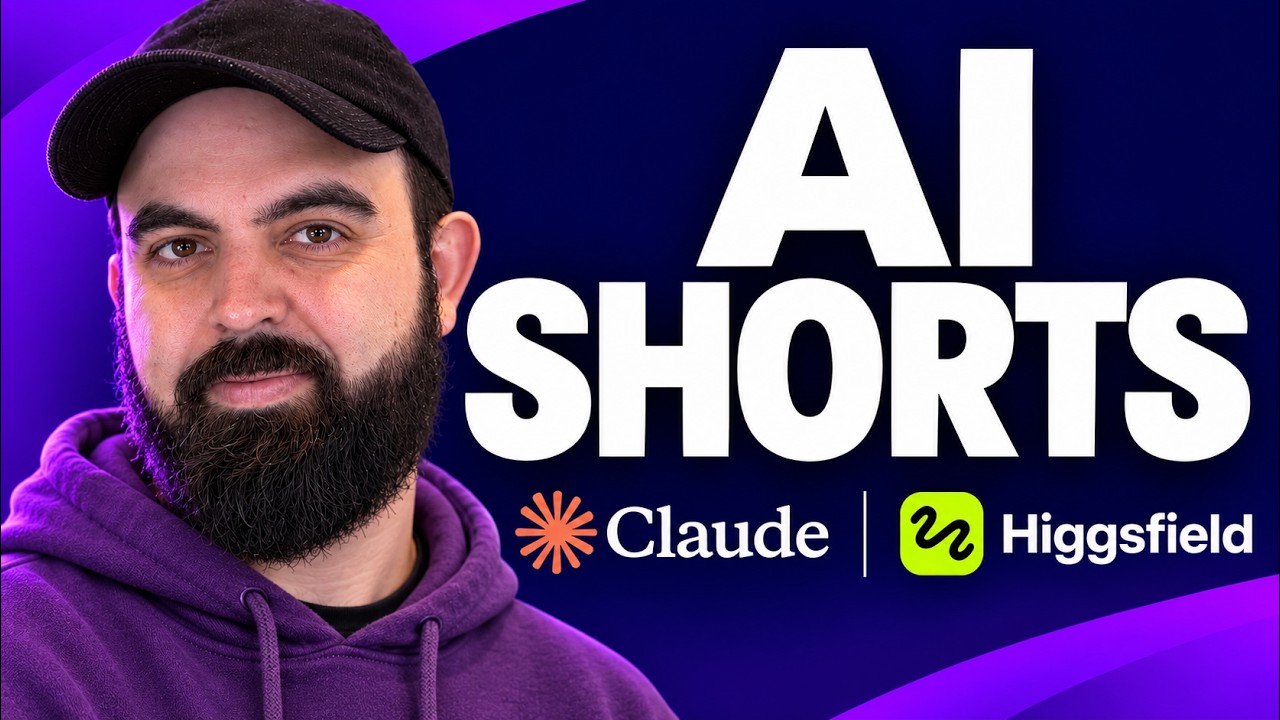
Diego Galvao demonstrates an automated workflow for creating social media video intros by connecting Claude to Higgsfield's Short Studio. By supplying a reference video of a character and an inspiration clip showing desired editing styles, Claude automatically generates complete edited shorts with matched captions, graphics, and timing.
Key takeaways from the creator
AI-extracted notes, not independently verified product claims. Timestamp links let you check each point in the original video.
- 1:06 ↗
Providing an inspiration video allows Claude to parse layout timing, caption placement, and motion reveal graphics.
- 1:16 ↗
Using a clear reference video with visible facial angles and dialogue provides the base avatar material for character replacement.
- 1:33 ↗
Connecting Claude to Higgsfield enables workflow commands such as /shorts studio directly inside the conversational chat window.
- 3:04 ↗
Claude extracts structural frame grids from attached inspiration and reference videos to map scene flow and caption overlays.
- 3:33 ↗
Higgsfield generates complete edits containing captions, motion, and voice sync without exporting to video editors like Premiere or CapCut.
Workflow outlined in the video
- Connect your Higgsfield account to Claude using the integration page.
- Select an inspiration video clip that has the timing, text motion, and edit style you want to mimic.
- Prepare a reference video clip featuring your talking character or avatar with clear audio.
- Attach both video files to a new Claude chat session.
- Type /shorts studio followed by your target topic, intro length, and prompt instructions to match the inspiration clip's editing style.
Before you use this workflow
These notes describe the source video at its publication date. Model access, pricing, connectors and interfaces may have changed. Check the original source and the provider’s current documentation before installing an add-on, connecting an account or spending credits.
ReelStack has not independently tested this workflow. Preview one representative shot and check motion, continuity and output quality before applying it to a full production. No result, cost saving or model capability is guaranteed.
Explore the tools
How to interpret the numbers
200 views captured 28 November 2026. ReelStack recommendation score: 25/100. Formula: radar-v5. This is ReelStack’s calculation, not a YouTube rating or a measure of factual accuracy.
Show the calculation
- 65% performance: 0.40× views vs 17 other channel videos observed at a similar age. View-evidence factor 17% (views / (views + 1,000))
- 25% freshness: 66/100 with a 14-day half-life
- Momentum pending: collecting daily snapshots; its 20% weight goes to observed performance, not free points
- 10% engagement: 50/100; likes + 4× comments, smoothed with a 500-view neutral prior