How I Automated AI Short Drama Production With Claude (Full Workflow)
This video provides a practical look at agentic filmmaking, showing how to use Claude as a production manager to coordinate complex tasks like character consistency and multi-episode scripting via the Higgsfield MCP.
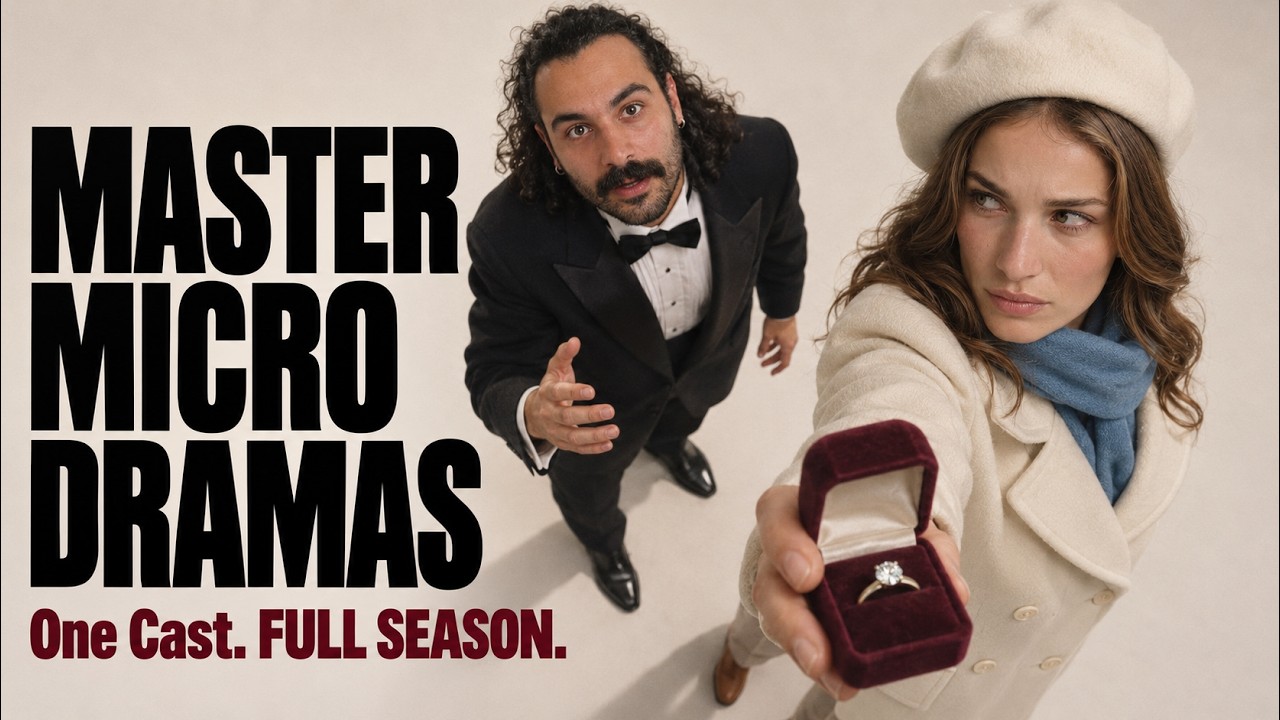
What this lesson covers
The video demonstrates an automated workflow for producing AI-generated short drama series using Claude and Higgsfield's Model Context Protocol (MCP). The creator explains how to use a custom "Short Drama Skill" markdown file to manage scriptwriting, character consistency, and multi-episode production within a single chat interface.
Key takeaways from the creator
AI-extracted notes, not independently verified product claims. Timestamp links let you check each point in the original video.
- 01:24 ↗
Higgsfield's Short Drama MCP allows for the creation of ultra-realistic short dramas at scale directly within the Claude interface.
- 03:02 ↗
A custom markdown "skill" file can be used to guide Claude through a structured scriptwriting and production pipeline.
- 04:40 ↗
Effective short dramas are built on specific tropes (e.g., class divide, betrayal) and follow a four-beat structure: hook, context, reversal, and cliffhanger.
- 06:48 ↗
Spreading cinematic beats across a multi-episode season is recommended over trying to fit too many narrative changes into a single one-minute episode.
- 09:29 ↗
The workflow supports various visual styles, such as "Live Action 90s" or "K-Drama," to target specific audience aesthetics.
Workflow outlined in the video
- Connect the Higgsfield Short Drama MCP to Claude to enable direct video generation from the chat.
- Upload the "Short Drama Studio Skill" markdown file to Claude to establish the agentic production framework.
- Input a story idea or use Claude to brainstorm tropes suitable for short-form drama platforms like TikTok.
- Review the generated multi-episode script and provide feedback to refine the narrative beats.
- Configure generation settings including aspect ratio (9:16), resolution (1080p), and character ages.
- Generate and approve character sheets to ensure visual consistency across all episodes in the season.
- Use the MCP command to trigger the final video generation, including automated editing and subtitles.
Before you use this workflow
These notes describe the source video at its publication date. Model access, pricing, connectors and interfaces may have changed. Check the original source and the provider’s current documentation before installing an add-on, connecting an account or spending credits.
ReelStack has not independently tested this workflow. Preview one representative shot and check motion, continuity and output quality before applying it to a full production. No result, cost saving or model capability is guaranteed.
Explore the tools
How to interpret the numbers
4,215 views captured 28 November 2026. ReelStack recommendation score: 46/100. Formula: radar-v5. This is ReelStack’s calculation, not a YouTube rating or a measure of factual accuracy.
Show the calculation
- 65% performance: 0.63× views vs 3 other channel videos observed at a similar age. View-evidence factor 81% (views / (views + 1,000))
- 25% freshness: 80/100 with a 14-day half-life
- Momentum pending: collecting daily snapshots; its 20% weight goes to observed performance, not free points
- 10% engagement: 52/100; likes + 4× comments, smoothed with a 500-view neutral prior